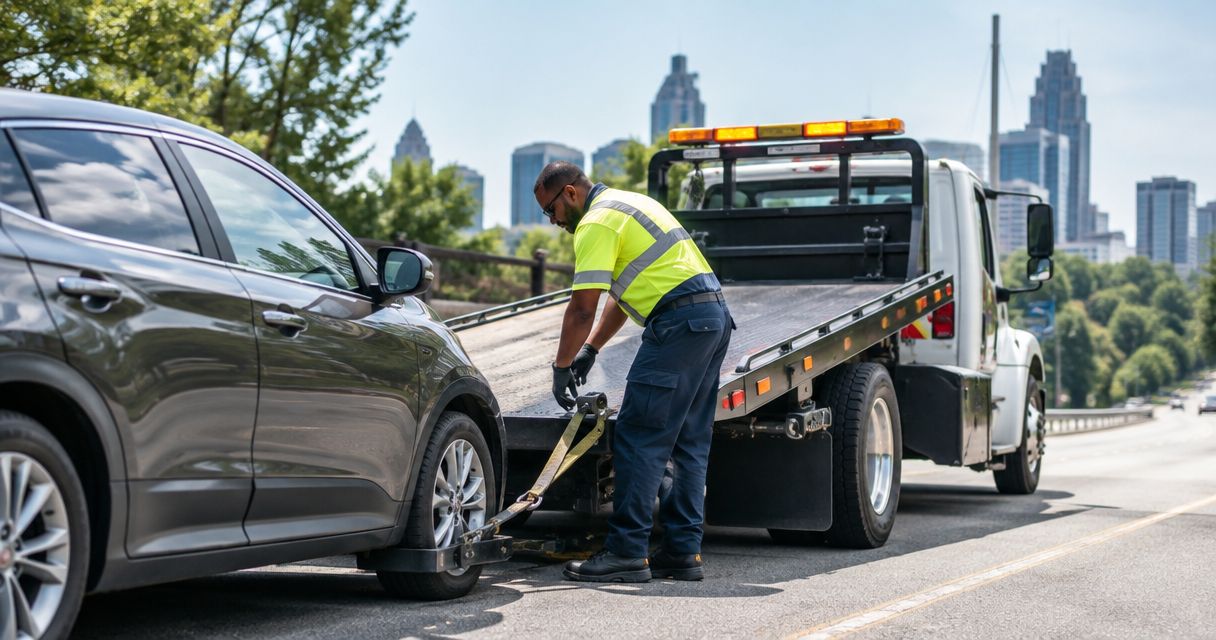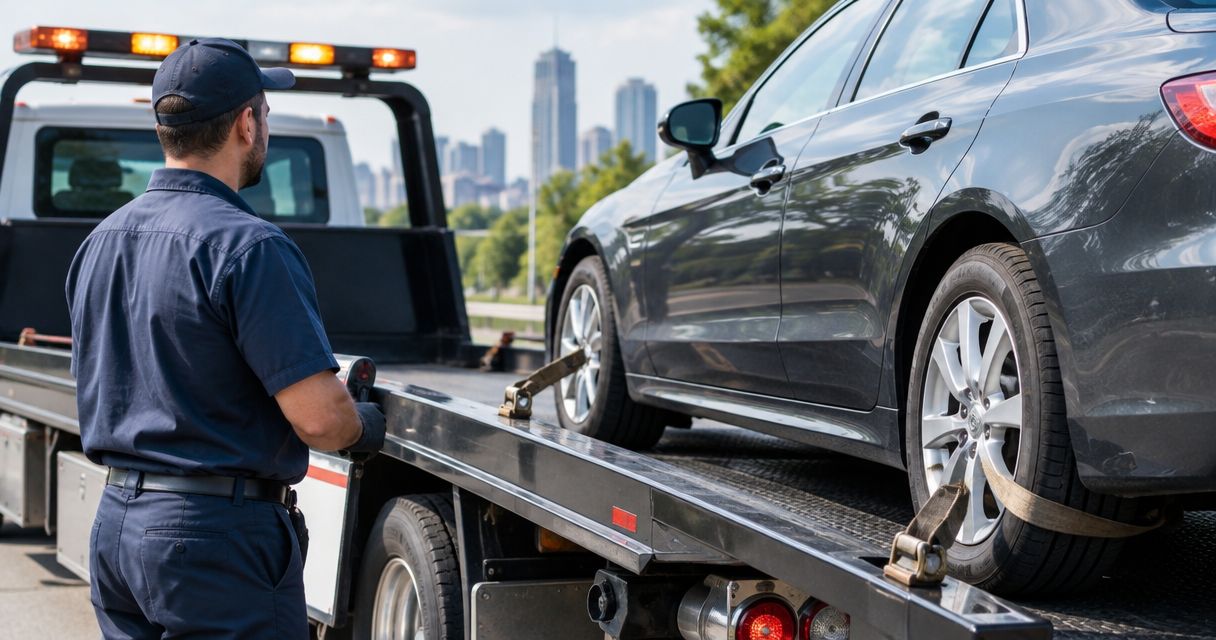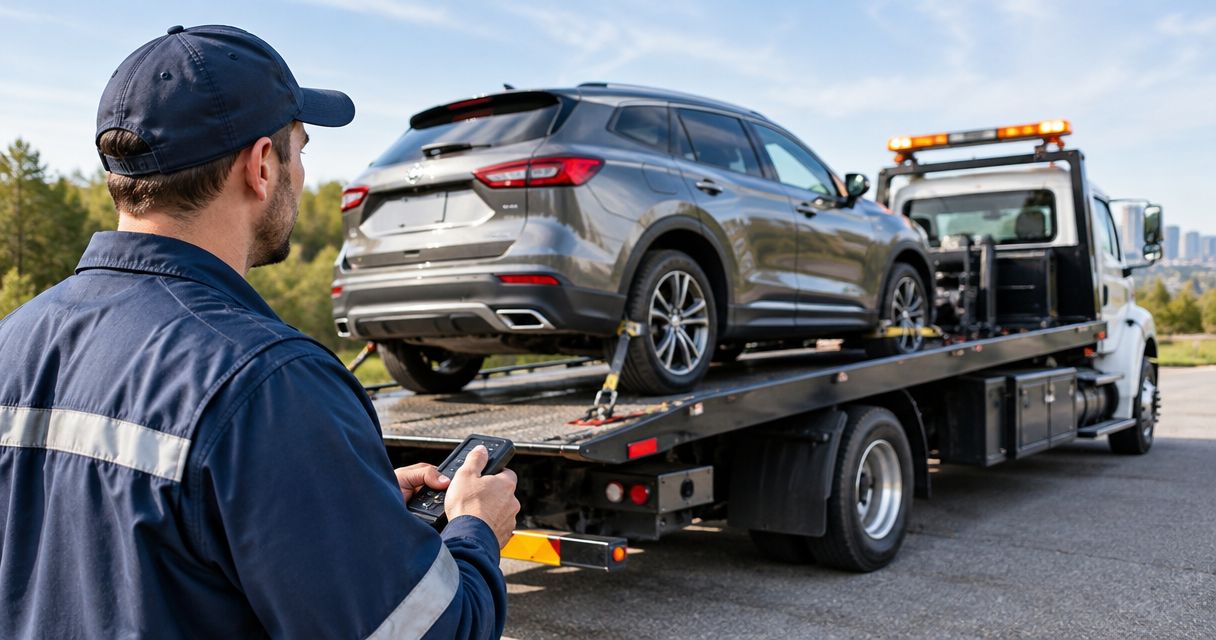
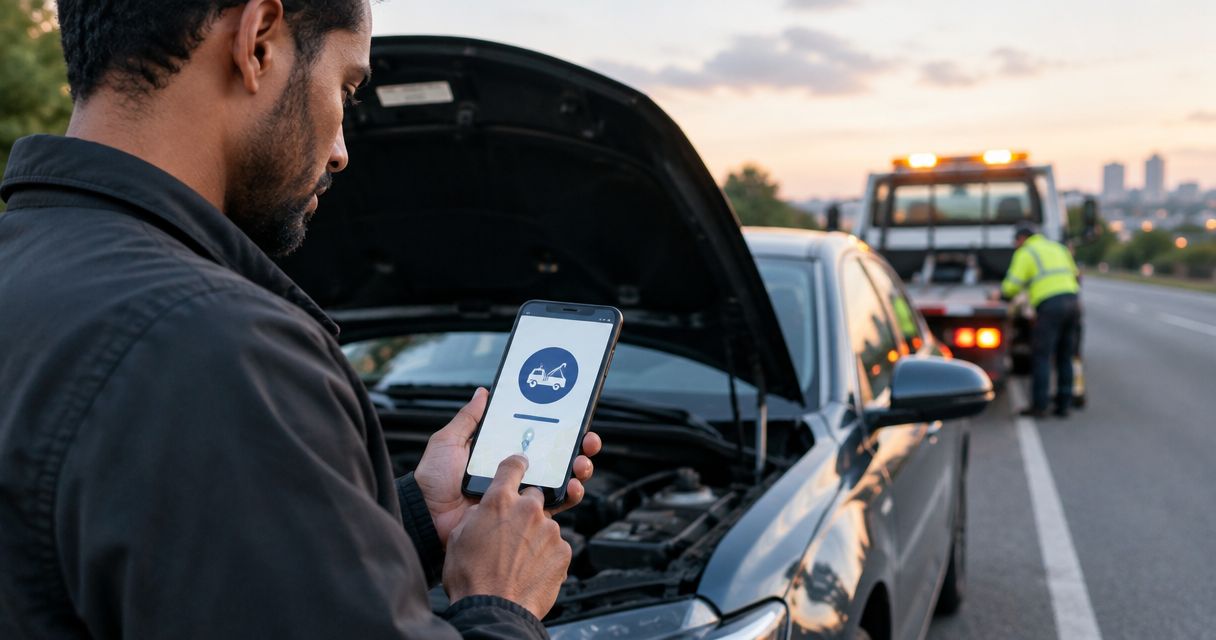
Stranded between rides? Request roadside help by phone instead of trying to arrange it through your driver app—but stop accepting trips until your vehicle is safe to drive. Call Atlroadside for 24/7 assistance across the Atlanta metro; a roadside call does not guarantee that your rideshare account stays online.
- Atlroadside provides 24/7 roadside assistance for Atlanta drivers who need help outside their rideshare app.
- Rideshare driver roadside assistance without going offline does not mean accepting trips while your vehicle is disabled.
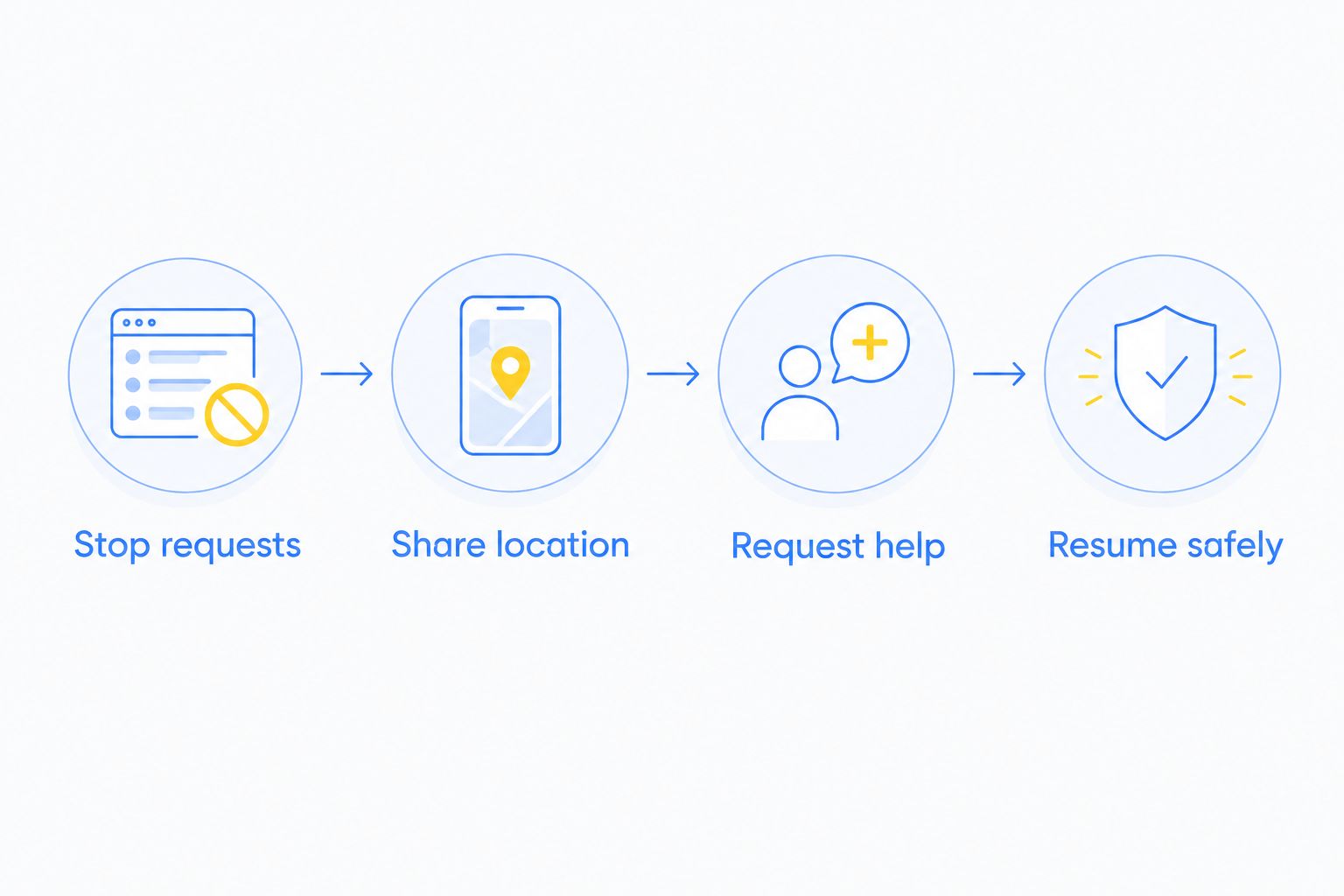
- Stop new requests, share your exact location, and request fuel delivery, a jump start, lockout help, or towing.
- Resume rides only after the vehicle is safe; a running engine alone does not establish that.
Why this matters
Your roadside request and your rideshare status are separate tasks. Calling for help does not require arranging service inside a rideshare app. It also does not preserve your platform status, complete a passenger trip, or make a disabled car ready for another pickup.
Atlroadside is best for Atlanta drivers who need direct, 24/7 roadside assistance. The service covers jump starts, lockouts, tire changes, fuel delivery, towing, and heavy-duty recovery. Availability runs 24 hours a day, 7 days a week—not just during your usual driving shift.
For your 2026 driving routine, separate the two decisions: stop taking work you cannot safely perform, then arrange help. Do not leave incoming requests running just to keep an online indicator visible. If you need a service overview before calling, use the roadside assistance guide for rideshare drivers in Atlanta.
Before you start
- Make the scene safe. Stop using the phone while moving. Once stopped, assess traffic, smoke, leaking fuel, and other immediate hazards. Call 911 for an immediate danger or medical emergency—not for routine dispatch.
- Have your location and vehicle details ready. You need a working phone, your direction of travel, nearby landmarks, and the vehicle's make and model. For a flat tire, know whether you have a usable spare and the key for any locking lug nuts.
- Check the passenger and trip situation first. A roadside request does not change an active trip. Stop accepting new requests and use the platform's current support process for a passenger trip you cannot finish. Do not assume switching apps handles either task.
Driver status and scene safety
Stop requests before requesting help
- Stop requests. Use your driver app's current controls to stop receiving additional trips. Do not search through menus while driving. There is no universal button name across platforms, so follow the wording shown in your own app.
- Handle the active trip. If a passenger is aboard, explain that the vehicle cannot continue safely. Use the platform's support process to address the interrupted trip. Do not promise a replacement ride or a particular refund outcome.
- Assess your position. Check whether you are stopped away from moving traffic. Do not keep driving on a damaged tire or move a vehicle that cannot be controlled safely just to reach a better pickup point.
- Choose safety over app status. Follow emergency responders' instructions when present. Do not step into traffic to inspect damage, retrieve a dropped item, or meet the service vehicle.
Expected result: You are no longer accepting work your vehicle cannot perform, and the passenger situation is being handled separately from the roadside request.
Run 2 safety checks before you focus on the call: your exposure to moving traffic and any immediate vehicle hazard. An apparently simple flat tire is not a routine roadside job when the vehicle is stopped in a live lane.
Dispatch location and service selection
Share location before describing the schedule
- Share location. Give dispatch 3 location details: the road or street, your direction of travel, and the nearest exit, intersection, or landmark. Add a map location when the provider offers a way to receive it.
- Describe access. State whether you are on a highway shoulder, in a parking garage, behind a gate, or in a crowded pickup area. Describe clearance restrictions you can actually see; do not guess a garage's height limit.
- Identify the vehicle. Give the make, model, and visible vehicle description. Tell dispatch if the vehicle is a commercial van, truck, or another larger vehicle rather than a passenger car.
- State the symptom. Say whether the engine will not crank, the tire is flat, the keys are locked inside, or the vehicle ran out of fuel. Report what happened, not a diagnosis you cannot confirm.
- Request help. Ask for the service that matches the symptom. If the vehicle is damaged, stuck, or unsafe to drive, describe that before requesting a basic roadside service.
Expected result: Dispatch has a usable location, knows how to reach you, and understands the vehicle problem before discussing the next step.
Use this order in your 2026 dispatch checklist: location, access, vehicle, symptom. Your next passenger's destination is not the service location. A pickup pin left over from the interrupted trip can send help to the wrong place.
Match the request to the problem
Use the symptom to choose your request. Do not ask for a jump start when the real problem is an unsafe vehicle or an unknown shutdown while driving. Give dispatch the full description first.
| Service | Best for | What it addresses | Limit to understand |
|---|---|---|---|
| Jump start | A suspected discharged starting battery | Helps start a vehicle with insufficient battery power | Does not establish that the battery or charging system is healthy |
| Fuel delivery | A vehicle that has run out of fuel | Supplies the correct fuel for the vehicle | Does not resolve an unrelated engine fault |
| Lockout service | Keys locked inside the vehicle | Restores access to the vehicle | Access alone does not resolve a no-start condition |
| Tire change | A flat tire with a suitable spare | Replaces the affected wheel with the spare | Spare-tire operating restrictions still apply |
| Emergency towing | A vehicle that cannot safely continue | Moves the vehicle instead of requiring you to drive it | Does not repair the underlying fault |
| Heavy-duty towing or recovery | Disabled commercial vehicles or recovery needs | Addresses larger-vehicle towing and recovery work | Dispatch needs the vehicle and access details before planning the job |
For fuel delivery, specify gasoline or diesel. Do not infer fuel type from the vehicle's size. If you put the wrong fuel in the tank, do not start the engine; tell dispatch exactly what happened.
For a tire change, mention missing spare tires, damaged wheels, and unavailable locking-lug keys before service is arranged. A tire-change request is not the same as a confirmed tire repair.
Service confirmation and return-to-work checks
Confirm the job before ending the call
- Confirm that dispatch has your actual stopped location, not a previous passenger pickup address.
- Confirm the requested service and tell dispatch about passengers, access restrictions, or changed symptoms.
- Ask how to report a location change and how you will receive updates. Do not assume live tracking or text notifications are part of the service.
- Ask what happens if the initial roadside service does not solve the problem. Establish whether towing needs a separate discussion.
Expected result: You understand what help you requested and how to communicate changes. Confirmation is not a promise about your rideshare status or a guaranteed arrival time.
Atlroadside provides roadside help across the Atlanta metro, including commercial and fleet work. Tell dispatch what you drive and what stopped you. Do not reduce a van or truck problem to “just a car issue” to shorten the call.
Request roadside help now
Get 24/7 Atlanta roadside assistance for fuel, batteries, lockouts, tires, or towing.
Resume safely after service
- Ask the technician what was done and whether the vehicle needs further attention. Describe warning lights, unusual sounds, or symptoms that remain.
- Follow the vehicle manual and any spare-tire restrictions. Do not treat a temporary spare as permission to run a normal passenger shift.
- If steering, braking, tires, or engine operation remain unsafe, arrange further help rather than accepting another ride.
- Only restore trip requests after the vehicle is safe and the interrupted passenger trip has been addressed through the platform.
Expected result: Your return to work depends on vehicle condition, not an app indicator. Use this same return-to-work check throughout 2026, whether the interruption was a dead battery or an empty tank.
A successful start is not a completed diagnosis. A jump start gets an engine running; it does not prove that the vehicle will restart at the next passenger stop. Ask about the next action before the technician leaves.
Variant: a breakdown during an active passenger trip
The roadside call stays separate from the passenger trip, but the order changes when someone is aboard. Address immediate safety and the interrupted ride before worrying about your next request.
- Stop safely and explain the problem plainly. Do not promise that the current ride will continue after a quick fix.
- Use the platform's current support process for the interrupted trip. Arrange roadside help separately rather than waiting for an app status change to do it for you.
- Tell dispatch that a passenger is present. Also disclose any immediate safety concern that affects where you can wait.
- Do not assume the passenger can ride in the service vehicle or remain inside a vehicle being towed. Confirm the arrangements with the provider.
Expected result: The passenger issue and the disabled vehicle each have a clear next action. Neither is left hanging while you try to preserve online status.
For rental or fleet vehicles, notify the vehicle owner or fleet contact about authorization requirements. Do not assume that a rideshare platform, rental agreement, or insurer automatically authorizes the service you requested.
Troubleshooting
New requests keep arriving
Stop using the roadside call as a substitute for managing trip requests. Return to the driver app while safely parked and use its current controls. If the controls are unclear or fail, contact platform support; do not accept a trip to dismiss the notification.
Dispatch cannot find your vehicle
Recheck the address against your actual position. Give the travel direction, nearby exit or intersection, and which side of the road you occupy. A map pin alone does not explain a divided highway, parking level, or locked entrance.
The requested service no longer fits
Report changed symptoms immediately. A tire change needs reconsideration if the wheel is damaged or no suitable spare is present. A suspected dead battery needs more explanation if the engine shut down while you were driving.
You lose access to location information during the call
Read your location before calling and keep the relevant details available. If you cannot view a map during the call, use road signs and visible landmarks from your safe position. Do not walk toward traffic to find a sign.
The vehicle runs but still feels wrong
Keep trip requests stopped. Warning lights, poor steering, unusual braking, or a damaged tire are reasons to reassess—not reasons to test the vehicle with a passenger aboard. Discuss further service or towing.
Customize your workflow
Build a short 2026 shift note before the next breakdown. Record your vehicle details, fuel type, spare-tire location, locking-lug key location, and any rental or fleet authorization contact. Keep it accessible without relying on memory under pressure.
For a shared vehicle, update the note whenever the vehicle changes. A previous car's fuel type or spare-tire information is worse than no information if you read it to dispatch as fact.
Keep work status, roadside dispatch, and vehicle-owner approval separate. This workflow does not require a software integration. It requires accurate information and a safe decision about whether the vehicle can continue.
FAQ
Can I request rideshare driver roadside assistance without going offline?
You can request roadside help separately from your rideshare app, but that does not guarantee your account stays online. Stop accepting trips while the vehicle is disabled and handle any active trip through the platform's current support process.
Does calling roadside assistance automatically pause my driver app?
Do not assume a roadside call pauses trip requests. Manage requests separately using the controls available in your driver app.
Who provides 24/7 roadside help for Atlanta rideshare drivers?
Atlroadside provides 24/7 roadside assistance across the Atlanta metro. Services include jump starts, lockouts, tire changes, fuel delivery, towing, and heavy-duty recovery.
What should I tell roadside dispatch first?
Give your actual location first, including the road, direction of travel, and nearby exit or landmark. Then describe access restrictions, the vehicle, and the symptom.
What should I do if a passenger is in the car when it breaks down?
Address immediate safety and the interrupted trip before taking new requests. Use the platform's support process and tell roadside dispatch that a passenger is present.
Can I resume rides immediately after a jump start?
Resume rides only when the vehicle is safe to operate. A jump start does not confirm battery or charging-system health, so ask about unresolved symptoms before returning to work.
Does this workflow need a rideshare integration in 2026?
No software integration is required to call a roadside provider separately. The workflow does not control your platform status, authorize reimbursement, or complete an interrupted passenger trip.
One last thing
Read the location back before ending the dispatch call. Compare it with where the vehicle is actually stopped. Your next pickup address, passenger destination, and breakdown location can all be different—and only the breakdown location gets help to your vehicle.