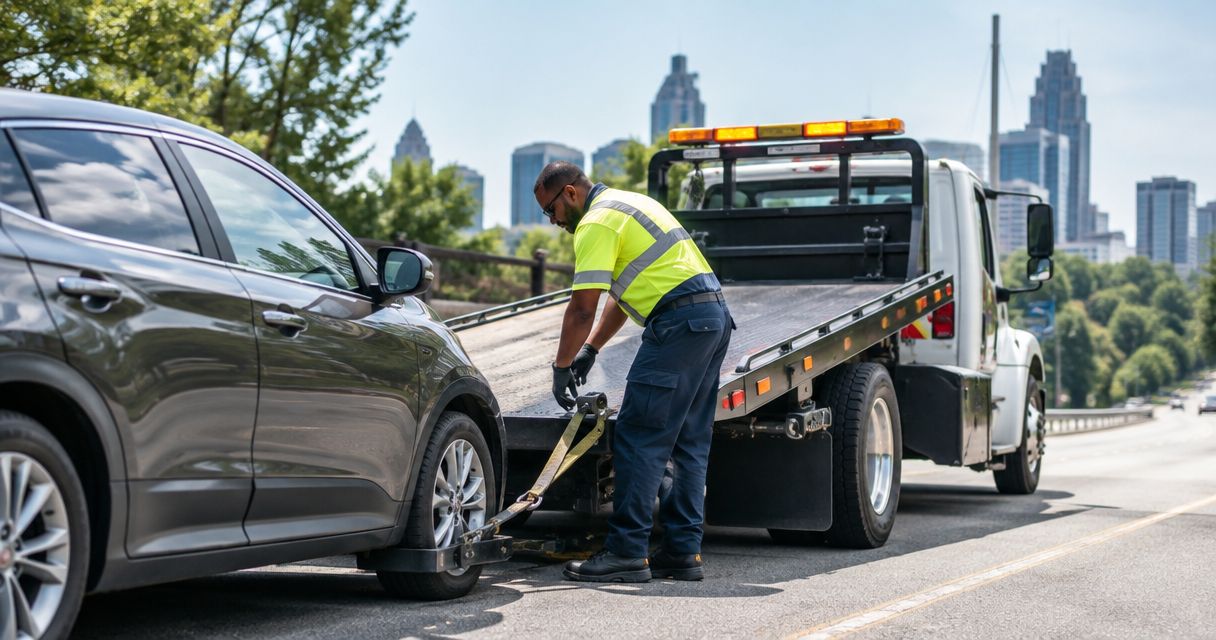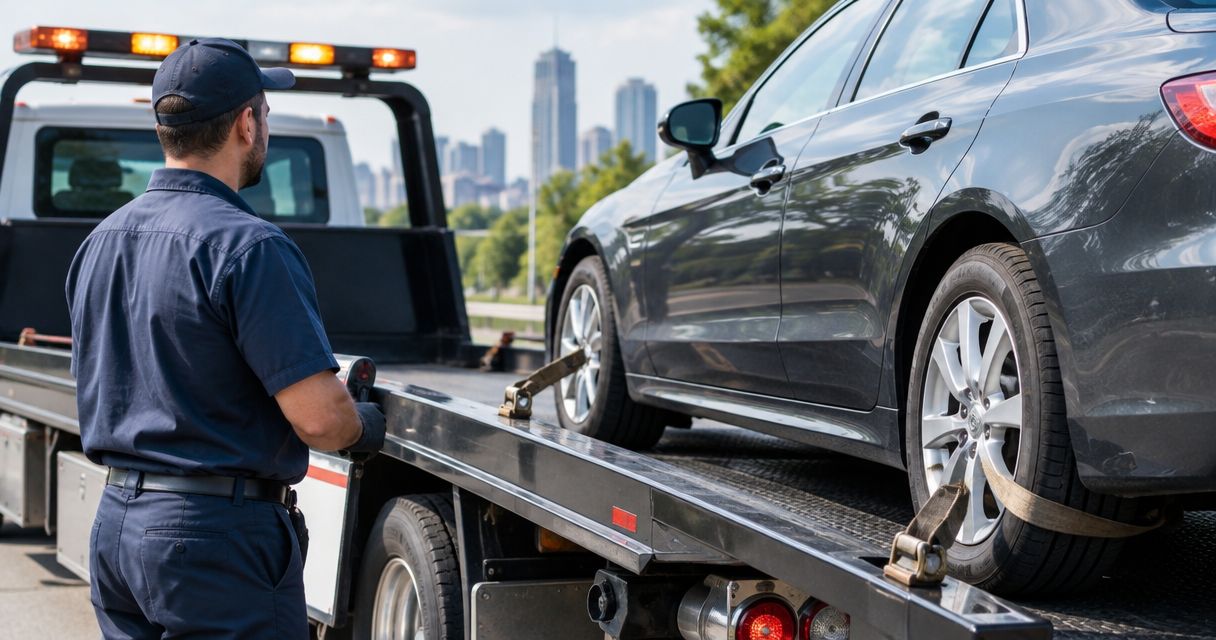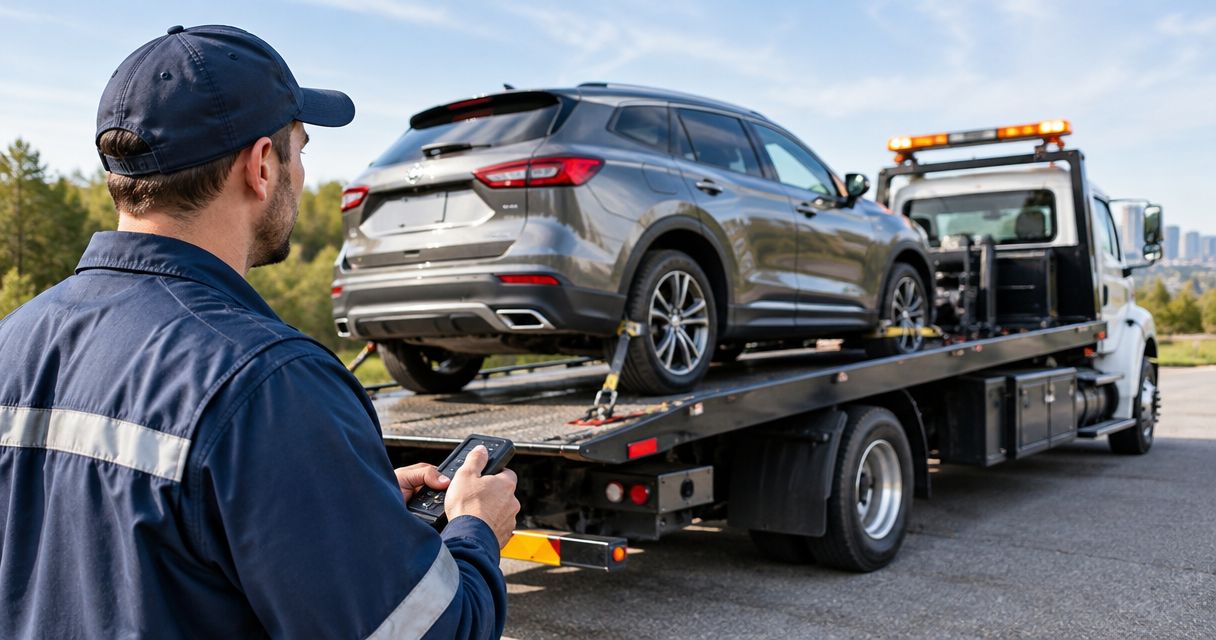
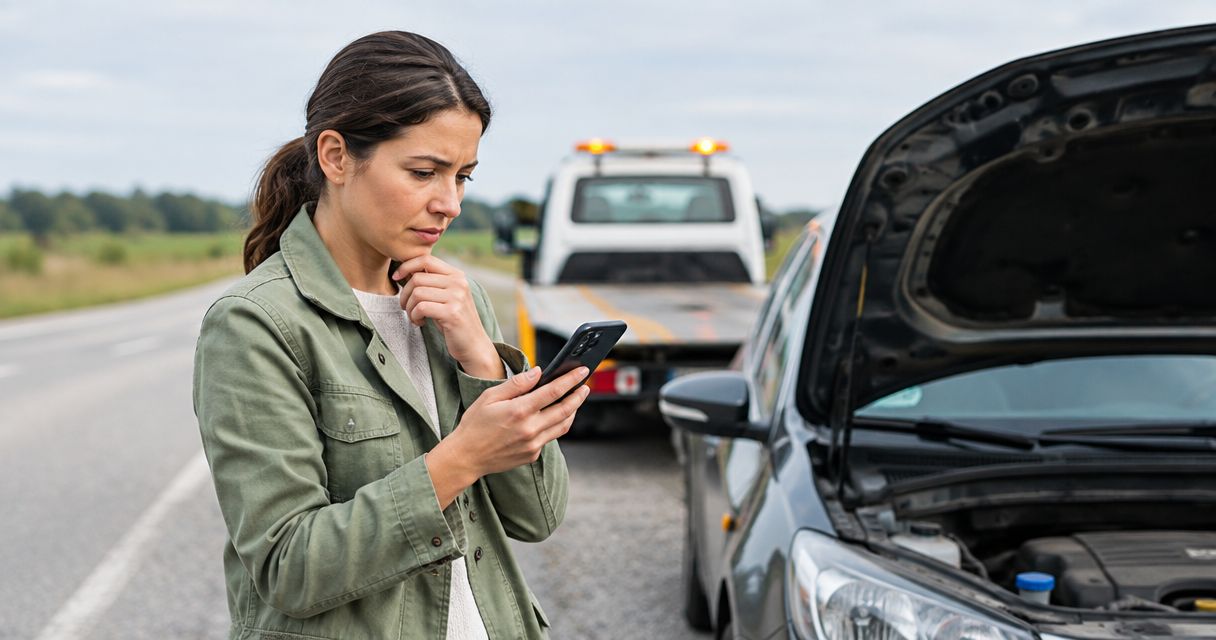
Stranded? To file a roadside assistance claim through insurance, confirm your coverage and dispatch rules, get the right service, then submit the receipt through your insurer’s approved channel. If you need help now, contact Atlroadside for 24/7 roadside assistance across the Atlanta metro; the insurer decides coverage and reimbursement.
- To file roadside assistance claim through insurance, confirm authorization requirements before arranging service whenever it is safe.
- Atlroadside provides 24/7 Atlanta roadside assistance; your insurer determines whether the service qualifies for reimbursement.
- Keep the itemized receipt, payment proof, service location, and any authorization or reference number together.
- Insurer dispatch and reimbursement are different workflows; use the route your policy allows.
Why this matters
Getting your vehicle moving and getting your claim approved are separate jobs. A roadside provider handles the breakdown. Your insurer checks the policy, service details, and supporting documents.
Atlroadside roadside assistance is best suited to Atlanta drivers and fleets needing mobile help, towing, or heavy-duty recovery. It is not a substitute for your insurer’s authorization or coverage decision.
Use this 2026 workflow to keep the emergency and the paperwork connected. If you already paid for help, skip dispatch setup and use the reimbursement variant below. Do not delay emergency help to collect documents.
Before you start
- Get safe first. If the vehicle is obstructing traffic, someone is injured, or there is immediate danger, call 911. Do not stand beside moving traffic to photograph a receipt or check insurance details.
- Have your policy and incident details ready. Gather the policy number, covered vehicle details, driver name, location, and the service needed. For a fleet vehicle, identify who can authorize service and submit the claim.
- Check the authorization trap. Before independently arranging service, ask whether your policy requires insurer dispatch or prior approval. A receipt proves a transaction; it does not establish that your policy covers it.
You need access to your insurer’s official app, website, or telephone support—not a particular software integration. Use the contact details on your policy documents. There is no universal insurance claim screen, so follow your insurer’s actual labels rather than searching for a button name from another carrier.
Coverage and dispatch setup
Start your 2026 claim workflow by choosing the route your policy permits. Insurer-arranged assistance and independently arranged service produce different paperwork. Neither route guarantees coverage.
- Confirm the benefit. Ask whether roadside assistance applies to this vehicle, this incident, and this use of the vehicle. Describe the problem plainly: dead battery, lockout, flat tire, empty fuel tank, or disabled vehicle.
- Confirm the dispatch requirement. Ask whether the insurer must arrange the provider. If you want to arrange help yourself, ask whether prior authorization is required and how reimbursement works.
- Check the service scope. For towing, ask about distance restrictions and destination requirements. For fuel delivery, ask which parts of the service are covered. For commercial vehicles, confirm that the applicable policy addresses the vehicle and its use.
- Record the instruction. Save written confirmation when provided. If the conversation is by phone, note the date, representative’s name if supplied, reference number, and instructions.
Expected result: You know who should dispatch the provider, what service you are requesting, and which authorization record to preserve. If the insurer cannot confirm coverage immediately, do not treat that as approval.
Choose the permitted service route
| Route | Best for | Advantage | Limitation |
|---|---|---|---|
| Insurer-arranged dispatch | Drivers whose benefit requires insurer dispatch | Keeps the request inside the insurer’s assistance process | Provider selection and dispatch follow the insurer’s process |
| Independently arranged service, followed by reimbursement | Drivers whose policy permits outside-provider reimbursement | Lets you arrange service directly | You handle payment and documentation; reimbursement remains subject to policy terms |
These are claim routes, not competing insurance products. Choose based on policy permission, not convenience alone. If you are unsure, ask the insurer before booking whenever your situation allows.
Service and incident records
Once the dispatch route is clear, give the provider enough information to send suitable help. A passenger-car jump start and a loaded semi-truck recovery are not the same request.
- Describe the location. Give the road, direction of travel, nearest exit or landmark, and whether the vehicle is in a parking lot, on a shoulder, or blocking a lane. Share a location pin if the provider requests it.
- Identify the vehicle and problem. State the vehicle type and the service needed. Tell dispatch if you have a commercial rig, trailer, or recovery situation rather than a routine tow.
- Confirm the requested work. Explain the insurer’s authorization instructions, if any. For towing, confirm the destination before the vehicle moves. If the service changes, check whether updated authorization is needed.
- Ask for documentation. Request an itemized receipt identifying the provider, service date, vehicle, service location, and work performed. For a tow, request the pickup and destination details.
- Keep payment evidence. Save the paid receipt or other payment confirmation. Keep it separate from an unpaid estimate or service request.
Expected result: Your records describe the breakdown, the completed service, and payment. The provider’s paperwork and your claim should describe the same incident.
Atlroadside provides jump starts, lockout service, tire changes, fuel delivery, towing, and heavy-duty towing/recovery. The advantage is access to roadside help across the Atlanta metro, available 24/7. The limit for an insurance claim: service capability does not establish insurer approval, direct billing, or reimbursement eligibility.
Keep the handoff simple
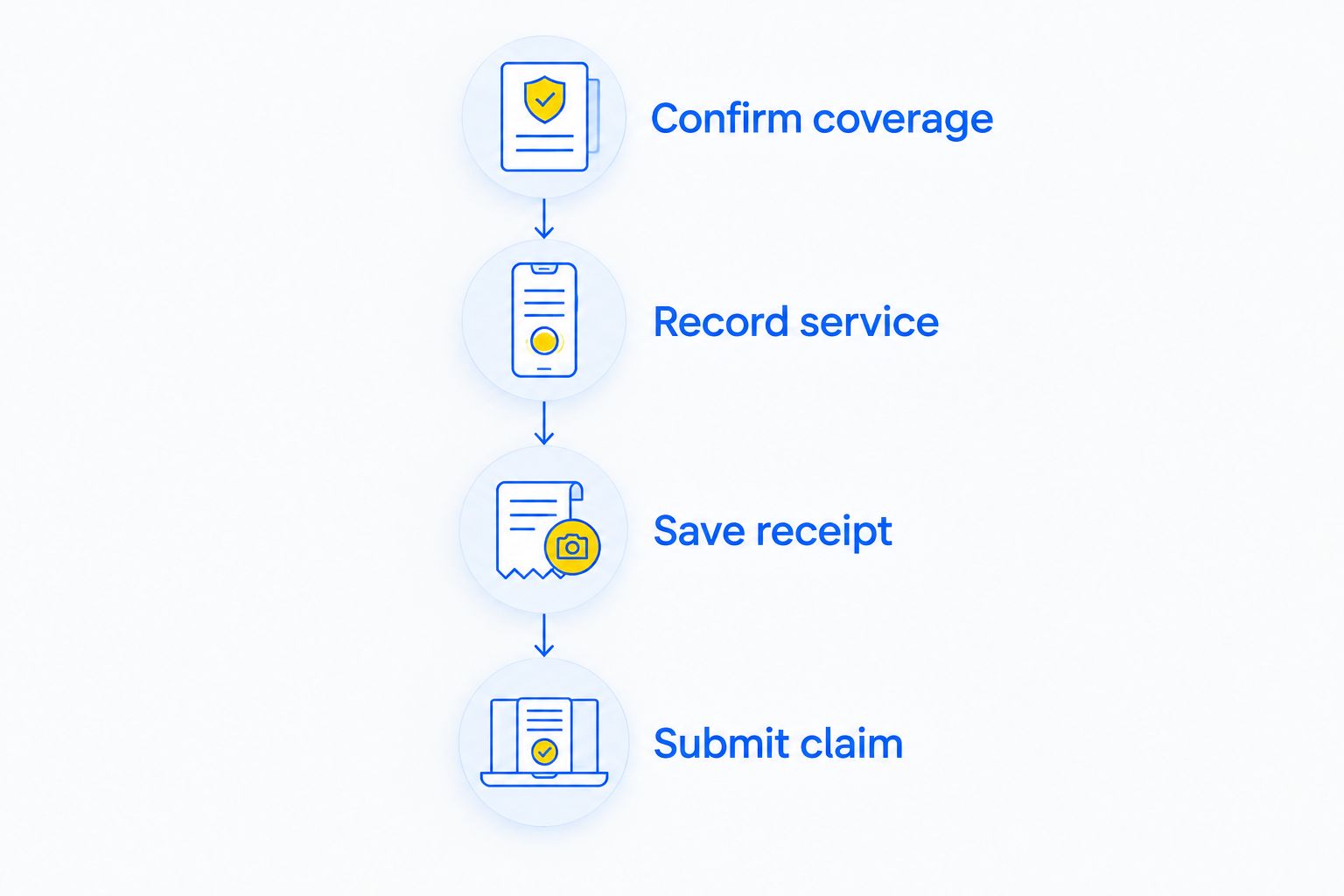
Use this sequence for your 2026 paperwork: Confirm coverage, Record service, Save receipt, Submit claim. Safety comes before the sequence. If the breakdown requires immediate action, record the circumstances afterward instead of risking injury to complete a checklist.
Claim submission packet
Submit what the insurer requests, with consistent incident details. Do not send a pile of unrelated files and expect the claims team to reconstruct the breakdown.
- Open the approved channel. Use the reimbursement form, assistance case, claims portal, or submission method your insurer directs you to use. Confirm whether this belongs under roadside assistance rather than another claim category.
- Enter the incident details. Match the service date, vehicle, location, and service type to the provider’s receipt. Explain the problem and the completed work in plain language.
- Attach the required evidence. Include the itemized receipt, payment evidence, and authorization record when requested. Add other documents only when relevant or required.
- Review before sending. Check that files open, text is readable, and every page belongs to the same event. Correct mismatched dates or vehicle details before submission.
- Save the confirmation. Keep the submission acknowledgment and claim or case reference with your documents. If no confirmation appears, verify receipt through the insurer’s official support channel.
Expected result: You have a submitted request and a record showing where and when you sent it. Submission is not approval.
For a clear incident description, state the breakdown, requested service, completed service, and any change in scope. Keep observations separate from assumptions. Write that the engine would not start if that is what happened; do not invent a mechanical diagnosis.
Claim tracking and closure
Your 2026 roadside claim is not finished when the upload completes. Follow the insurer’s stated process until you receive a decision and resolve any required follow-up.
- Check the stated timeline. Use the insurer’s acknowledgment or instructions for when to expect an update. There is no single processing deadline that applies to every roadside benefit.
- Respond to document requests. Send the requested record through the approved channel and retain confirmation. Reference the existing case so the document connects to the original submission.
- Read the decision. Compare the approved service and any explanation with your receipt and policy. Ask for clarification if the decision does not address what you submitted.
- Close the record. Keep the decision, payment confirmation if applicable, and final correspondence with the original incident documents.
Expected result: You can distinguish a pending claim, a request for information, an approval, and a denial. You also have the records needed to question an error without starting from scratch.
Already paid? Use the reimbursement workflow
If you arranged help before contacting insurance, report that sequence accurately. Do not describe the service as preauthorized unless the insurer actually authorized it.
Contact the insurer and ask whether your roadside benefit permits reimbursement for independently arranged service. Explain when and why you called the provider, then request the required submission method and documents.
Gather the itemized receipt, payment evidence, vehicle details, and service location. If paperwork is missing, ask the provider for a copy or correction. Keep the original and corrected versions together.
Submit the request through the approved channel and save the acknowledgment. If the insurer says prior authorization was required, ask which policy provision applies and whether a review process exists. Do not assume that an emergency automatically overrides the policy terms.
Troubleshooting
The receipt does not describe the work
Ask the provider for an itemized receipt that accurately identifies the completed service. Do not edit the provider’s document yourself. Submit the corrected record through the existing claim channel.
The portal rejects your attachment
Check the portal’s displayed file-format and size requirements. Use a readable scan or export that meets those requirements. If the upload still fails, ask the insurer for an approved alternative submission method.
The claim has no acknowledgment
Verify that you completed submission rather than saving a draft. Check the official account and confirmation messages. If receipt remains unclear, contact support before creating another claim for the same incident.
The insurer disputes authorization or coverage
Request the relevant policy wording and written decision. Compare it with the authorization record and service documents. Follow the insurer’s review instructions if the decision conflicts with those records.
A fleet claim identifies the wrong vehicle
Match the receipt to the correct fleet unit, VIN where required, and applicable policy. Ask the provider to correct genuine documentation errors. Personal coverage should not be assumed to cover a commercial vehicle or commercial use.
Customize your workflow
For fleet work, separate dispatch authority from claim responsibility. Decide who requests assistance, who approves a changed service, and who submits the documents. Store the incident records where that person can access them.
Keep 1 folder per incident. Preserve 2 distinct records: the service receipt and the insurer’s decision. Use 3 checkpoints: coverage instructions, submission confirmation, and final resolution. These are filing controls, not insurer requirements.
For vehicle-specific coordination, use the roadside assistance guide for fleet managers. Confirm commercial coverage with your insurer before applying a personal-car process to a work vehicle.
Need service before more paperwork? Atlroadside handles roadside emergencies and heavy-duty towing/recovery across the Atlanta metro. Contact the provider for help and the insurer for coverage questions.
Request Atlanta roadside help
Get 24/7 roadside assistance for a car or commercial vehicle. Confirm claim coverage with your insurer.
FAQ
How do I file a roadside assistance claim through insurance in 2026?
Confirm your roadside benefit and authorization rules, then submit the required service records through your insurer’s approved channel. Keep the itemized receipt, payment evidence, and any authorization or case reference together.
Can I choose my own roadside assistance provider?
Use an outside provider for an insurance-funded service only under the terms your policy permits. Ask whether the insurer requires its own dispatch or prior authorization before arranging help whenever it is safe to do so.
Can I request reimbursement after I already paid?
You can request reimbursement if your policy permits that route, but payment does not establish eligibility. Tell the insurer that you independently arranged service and ask which documents it requires.
Does Atlroadside bill my insurance company directly?
Do not assume direct insurance billing when arranging Atlroadside roadside assistance. Confirm payment arrangements with the provider and claim requirements with your insurer before treating the service as insurer-paid.
What documents should I save for a roadside claim?
Save the itemized service receipt, payment evidence, and any authorization or reference number. Your insurer can require additional information about the vehicle, location, towing destination, or incident.
Can I claim fuel delivery or a semi-truck tow?
Coverage depends on the applicable policy, service, and vehicle use. Describe fuel delivery, diesel delivery, or heavy-duty towing specifically rather than assuming a general roadside benefit covers the entire request.
What should I do if my roadside claim is denied?
Request the written reason and relevant policy provision. Check the decision against your service and authorization records, then use the insurer’s stated review process if you dispute it.
One last thing
A service request number is not necessarily an insurance claim number. Label each reference by who issued it and what it tracks. Before closing your 2026 incident folder, confirm that the insurer received the reimbursement request—not just the original call for help.