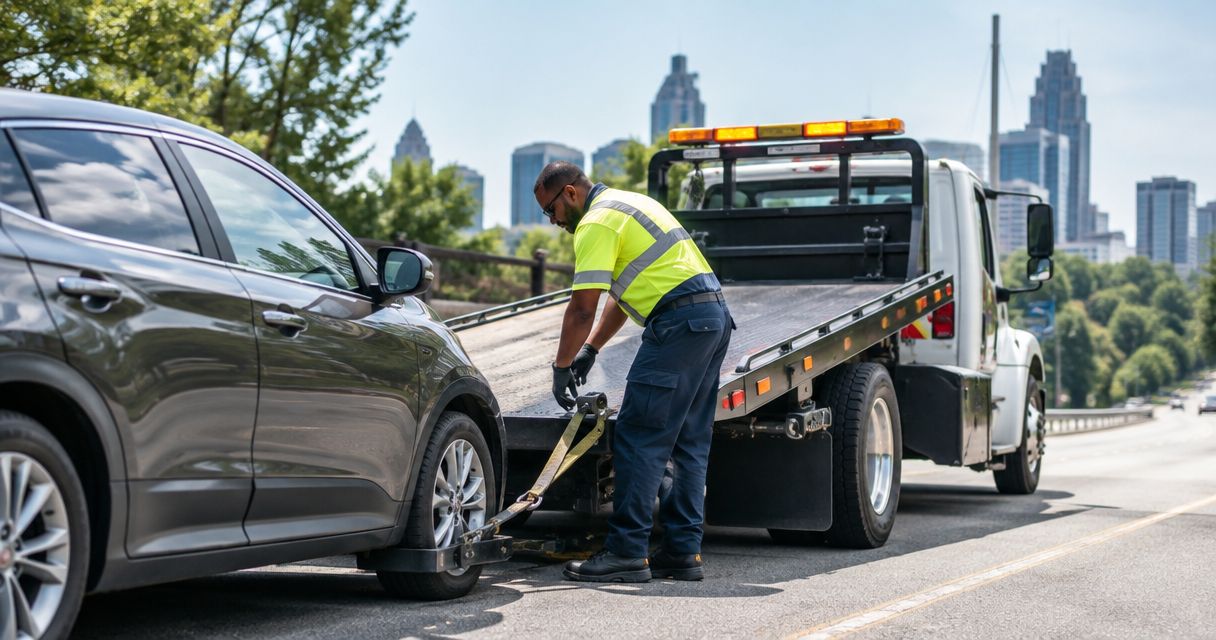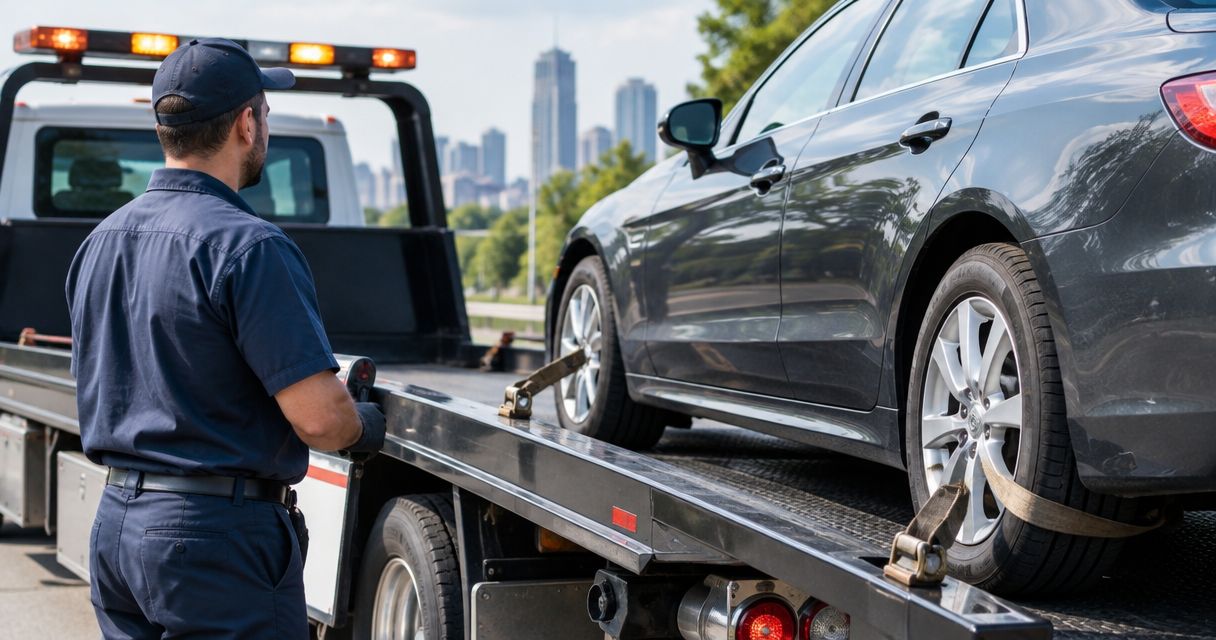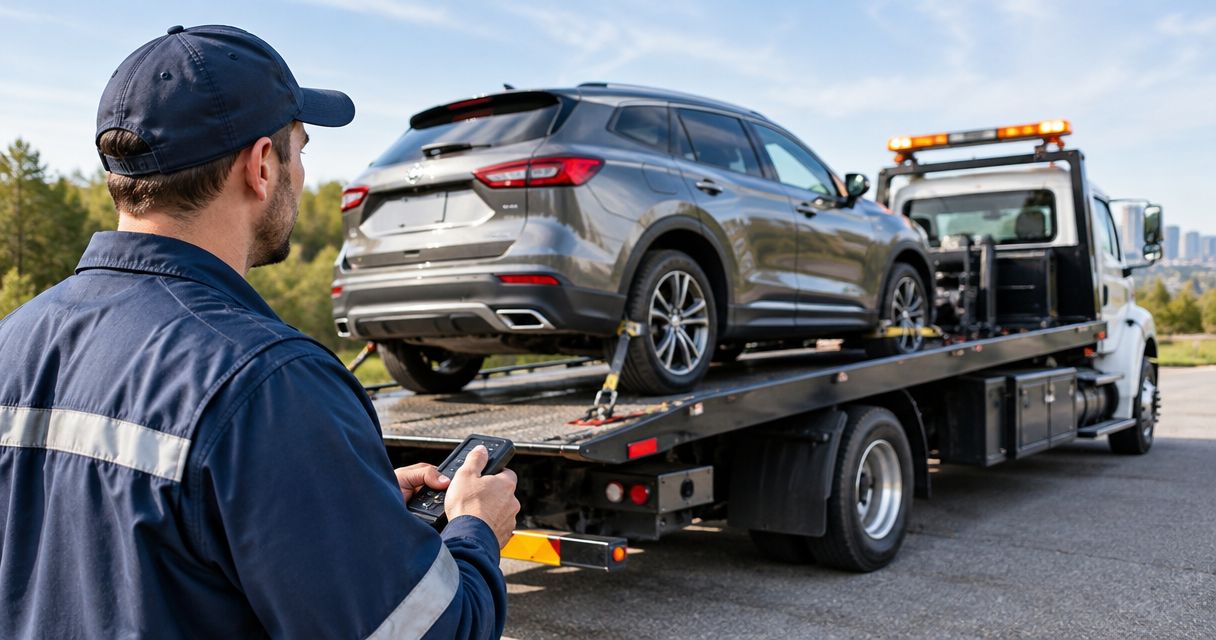
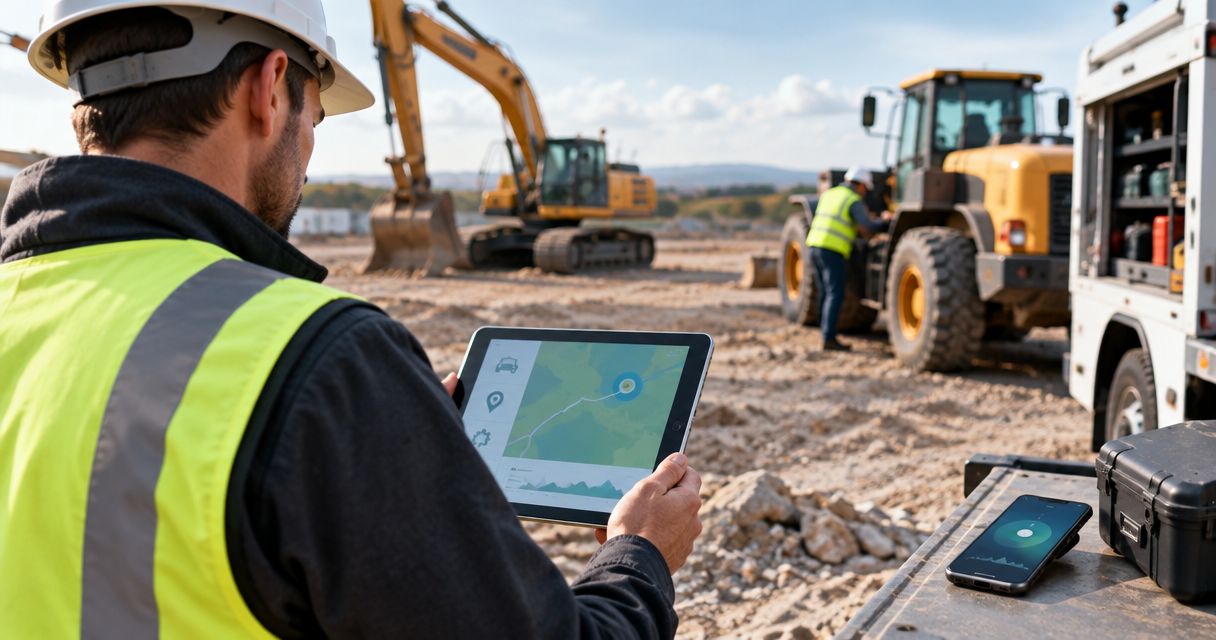
Equipment stuck or a work truck down? Instead of copying site-app messages into separate recovery calls, use a shared incident record to collect the location, asset details, and hazards, then have an authorized person call for construction fleet equipment recovery. For help now, call Atlroadside using its published contact details; review its roadside and towing services while someone gathers the site information.
- Construction fleet equipment recovery needs verified access details and a human call, not just an app alert.
- Atlroadside provides 24/7 roadside assistance and heavy-duty towing/recovery across the Atlanta metro.
- Use one incident record for the asset, entrance, hazards, authorization, and provider confirmation.
- Confirm equipment suitability before treating any recovery request as accepted.
Why this matters
A map pin does not tell a recovery operator which gate is open, whether the approach is stable, or what machine is stuck. Put those facts beside the breakdown report before you make the call.
Atlroadside roadside assistance is best for Atlanta drivers and commercial fleets needing 24/7 roadside help or heavy-duty towing/recovery. For construction machinery, describe the exact asset and conditions first; general heavy-duty capability is not confirmation that a particular machine can be recovered.
The 2026 workflow below connects your internal reporting process to a live service request. It does not depend on a direct integration with the recovery provider.
Before you start
- Access and ownership: Have permission to create an incident form or task in your existing site app. Name the person authorized to request service and the backup who takes over if that person is unreachable.
- Materials: Gather the asset identifier, equipment documentation, current location, site entrance instructions, and a reachable site contact. Take photographs only from a safe position.
- The gotcha: An internal notification is not a recovery booking. Keep the request unconfirmed until you speak with the provider and receive acceptance for that asset and situation.
If anyone is injured, equipment is unstable, or there is an immediate threat to life, call 911 and follow the site's emergency procedure. Do not wait for an app notification or attempt a pull to clear the incident yourself.
Incident record setup
Use your existing app's form, task, or incident feature. The bold names below are suggested custom field labels, not claimed menu names from a particular software product. Use the nearest equivalent your app supports.
- Create a dedicated incident template for disabled vehicles and equipment. Keep it separate from routine maintenance requests so an urgent recovery does not disappear in a repair backlog.
- Add Asset ID, Equipment type, Make and model, and Reported condition. Record what the operator observed rather than guessing at a mechanical diagnosis.
- Add Current location, Location verified at, Usable entrance, and Site contact. Include the street approach and gate instructions, not just the project address.
- Add Known hazards, Movement restrictions, Service requested, and Authorization contact. Allow an explicit unknown response instead of forcing someone to invent an answer.
- Add Provider confirmation, Assigned caller, and Last update. Keep these separate from the initial report so everyone can distinguish a submitted incident from accepted work.
Expected result: The incident record identifies the asset, the access route, the decision-maker, and the facts still needing verification. Another authorized team member can take over without reconstructing a text conversation.
For your 2026 template, require information needed to start the call—not a completed investigation. Missing equipment weight belongs in an unknown field, followed by a request for documentation; it must not become a guessed specification.
Alert routing and caller assignment
Keep automation inside your own reporting process unless a provider has explicitly agreed to receive requests through another channel. An email notification, webhook, or task assignment does not establish that agreement.
- Choose the report event that starts your internal alert. If your app supports rules, use a newly submitted recovery incident rather than every maintenance update.
- Assign Assigned caller to a named person. Notify the site supervisor and fleet contact through channels your organization already uses.
- Add a backup handoff rule your team can actually staff. The backup takes ownership when the primary caller is unavailable; neither person should assume the other has called.
- Keep one active record per incident. Before opening another request, check the asset identifier, location, and unresolved records.
- Test the routing internally with a clearly marked test record. Confirm that the intended people receive it without contacting a recovery provider or triggering a real service request.
Expected result: A specific person owns the call, the backup can see that ownership, and the record remains unconfirmed until the provider accepts the request.
Choose your internal routing method
These are workflow options, not claims about features in your software. Choose the method your team can maintain reliably.
| Method | Best for | Advantage | Limitation |
|---|---|---|---|
| Manual assignment | Teams without configurable app rules | A supervisor reviews the report before handing it off | Someone must monitor incoming reports |
| Rule-based notification | Teams whose app supports incident rules | Routes a matching report to the designated contact | A delivered notification does not prove anyone acted |
| Shared duty queue | Teams with changing shifts | Makes open requests visible across handoffs | Responsibility stays unclear unless a named caller claims the record |
Use a named caller with every method. A shared queue helps with visibility, but it does not replace ownership. For 2026 shift planning, include recovery-call responsibility in the same handover as other urgent site duties.
Recovery call and confirmation
Before calling, organize the handoff into four parts: Location, Asset, Hazards, and Confirmation. That order puts access and equipment details ahead of assumptions about the work needed.
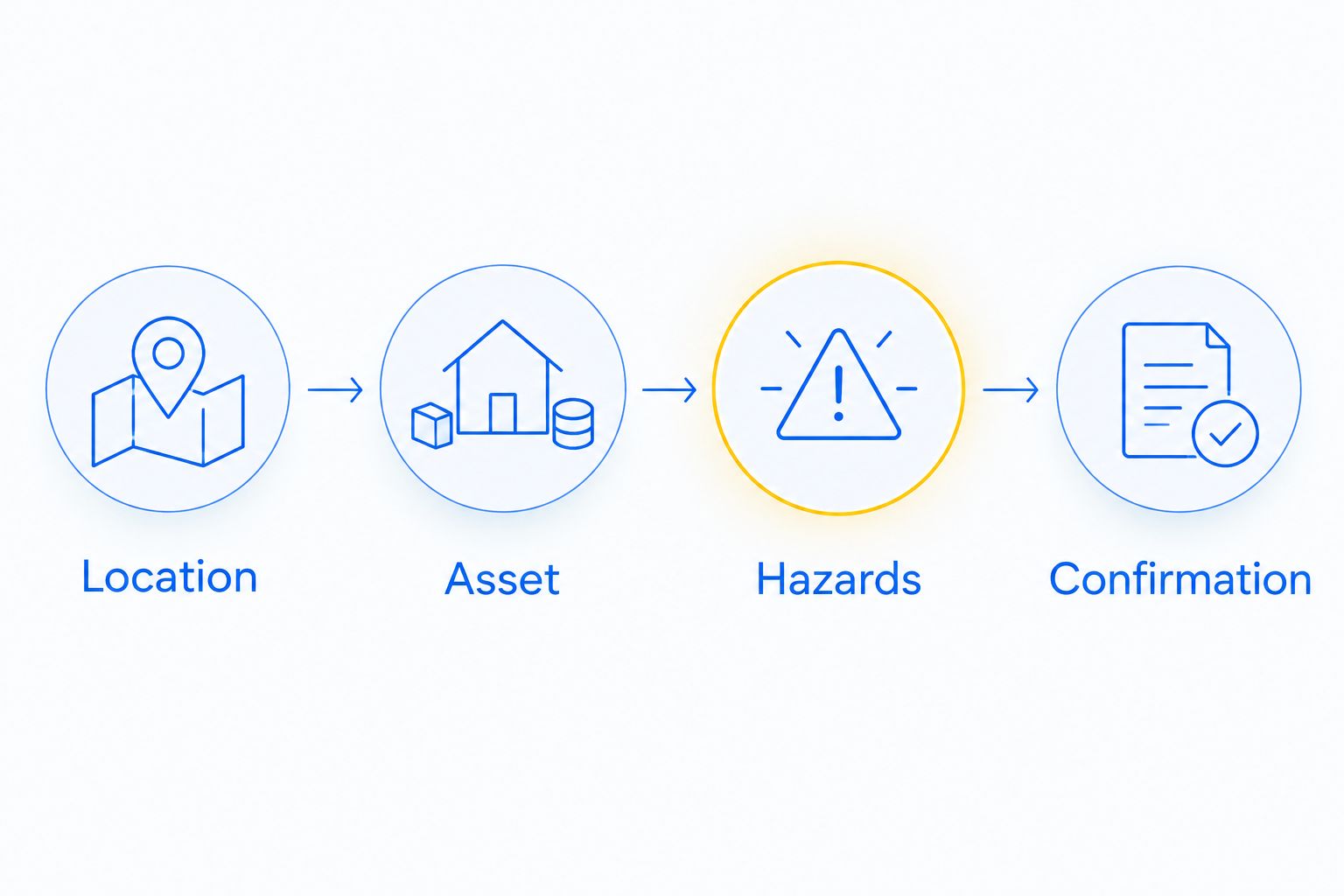
- Verify the location. Confirm the asset's current position with someone on site. Give the usable entrance, approach direction, gate instructions, and contact who can meet the operator without entering a hazardous area.
- Identify the asset. State whether it is a road vehicle, truck, trailer, or construction machine. Give the make, model, and documented weight when available. Describe attached equipment, cargo, and whether the asset can roll, steer, or brake—only if those facts are known safely.
- Describe the condition. Explain whether the asset has a flat tire, will not start, has run out of fuel, or is stuck. Mention slopes, soft ground, restricted access, overhead obstructions, and visible leaks without approaching them.
- Ask about suitability. Confirm that the provider can handle the exact asset and site conditions. Do not interpret a general towing description as acceptance of excavation equipment, lifting work, or every off-road recovery.
- Confirm the handoff. Establish the site contact, authorization process, destination if movement is required, and the next communication step. Ask for current arrival guidance rather than putting an assumed arrival time into the record.
Expected result: The provider has accepted a defined request, or the caller knows what information or different capability is needed. Record that distinction plainly.
Atlroadside provides heavy-duty towing/recovery alongside fuel delivery, jump starts, lockout service, tire changes, and emergency towing. The useful starting point is the symptom and asset description, not a demand for a particular recovery method.
Request help for your stranded fleet
Give the asset, location, access conditions, and hazards. Confirm the service needed before dispatch.
Status updates and closure
A recovery request needs a clear finish as well as a clear start. Keep the record open until the authorized site contact verifies the outcome.
- Use distinct internal status labels such as Reported, Caller assigned, Provider confirmed, and Closed. These are proposed labels; configure equivalent states where your app allows them.
- Record material changes in the same incident. A different gate, worsening ground conditions, moved asset, or changed destination needs a direct update to the provider—not just an app comment.
- Document the outcome without implying a repair. An asset moved to safety is not automatically ready to work or return to the road.
- Assign any follow-up inspection, maintenance, or transport coordination to the responsible person. Retain only the photographs and contact information your company needs under its record policy.
Expected result: Your team can tell what was requested, what was accepted, what happened, and who owns the remaining work.
During a 2026 workflow review, check whether closed incidents still contain unresolved maintenance tasks. Closing the recovery record must not silently close the equipment defect.
Variant: update an existing recovery request
Use the same incident when conditions change after the initial report. This keeps the provider from receiving competing versions of the job.
For example, a truck first reported as unable to move might later be confirmed out of diesel. Update the observed condition, then call the provider to discuss whether fuel delivery changes the request. Do not cancel towing or assume fuel alone will restore operation without agreement.
If your app supports update rules, route changes to Current location, Known hazards, or Service requested back to the assigned caller. Otherwise, require a direct handoff from the person making the change.
Expected result: A material update produces a review of the existing request, not an automatic second booking. The caller records whether the provider accepted the revised scope.
Troubleshooting
The app says submitted, but nobody has called
Check Assigned caller and contact that person directly. If unavailable, transfer ownership to the backup and record the handoff. Do not change the status to provider confirmed based on a notification receipt.
The map pin points to the wrong entrance
Ask the site contact to verify the usable gate and street approach. Update the record and communicate the correction directly to the provider. A project address and equipment location are different pieces of information.
The provider needs specifications nobody has
Use the asset register, equipment documentation, or authorized owner contact to verify the requested details. Leave uncertain values marked unknown. Do not send someone into a danger area to read a plate or measure equipment.
Two supervisors requested help for the same asset
Compare the active requests immediately and have an authorized caller clarify them with each provider. Retain one incident record and document the agreed outcome. Deleting an app task does not cancel a service request.
The asset or ground conditions changed
Stop treating the original description as current. Notify the provider before work proceeds and follow site safety instructions. A recovery plan based on an earlier position needs reassessment when the asset moves or the approach becomes unsafe.
Customize your workflow
Start with the incident-to-call handoff. Add more automation only after the caller, backup, and confirmation process work consistently.
Use separate symptom choices for no-start, lockout, flat tire, fuel shortage, and stuck equipment. These choices help your caller explain the problem; they do not diagnose the asset or determine the recovery method.
For a broader operating checklist, use the construction fleet roadside assistance guide. Keep commercial trucks, site vehicles, and machinery distinguishable in your records so the person answering the call gets the right context.
FAQ
How do I turn a construction site app report into an equipment recovery call?
Create an incident record, assign an authorized caller, and have that person contact the provider with verified asset, access, and hazard details. Treat the request as unconfirmed until the provider accepts it.
Can my construction app automatically book recovery with Atlroadside?
This workflow does not establish automatic booking with Atlroadside. Use your app for internal reporting and routing, then confirm the service request directly with the provider.
What information should I have before requesting construction fleet equipment recovery?
Have the current location, usable entrance, asset identity, observed condition, known hazards, and an authorized site contact. Provide documented specifications when requested and mark uncertain information as unknown.
Does heavy-duty towing mean every construction machine can be recovered?
No. Confirm the exact machine, weight information, attachments, ground conditions, and access with the provider before treating the request as accepted.
Should I open a new recovery request when the site conditions change?
Update the existing incident and contact the provider directly about material changes. A changed location, access route, or hazard needs confirmation, not an automatic duplicate request.
Can I request diesel delivery instead of towing a stranded truck?
Ask about diesel delivery when the truck is confirmed to be out of fuel. Explain the vehicle and symptoms so the provider can confirm whether fuel delivery fits the request.
What should happen after the equipment has been moved?
Have the authorized contact verify the recovery outcome and assign any remaining maintenance or inspection work. Moving equipment does not establish that it is safe to operate.
One last thing
The gate matters as much as the pin. Before saving your 2026 recovery template, make usable entrance instructions a required part of the caller's checklist. An accurate equipment location still leaves the operator needing a safe way into the site.