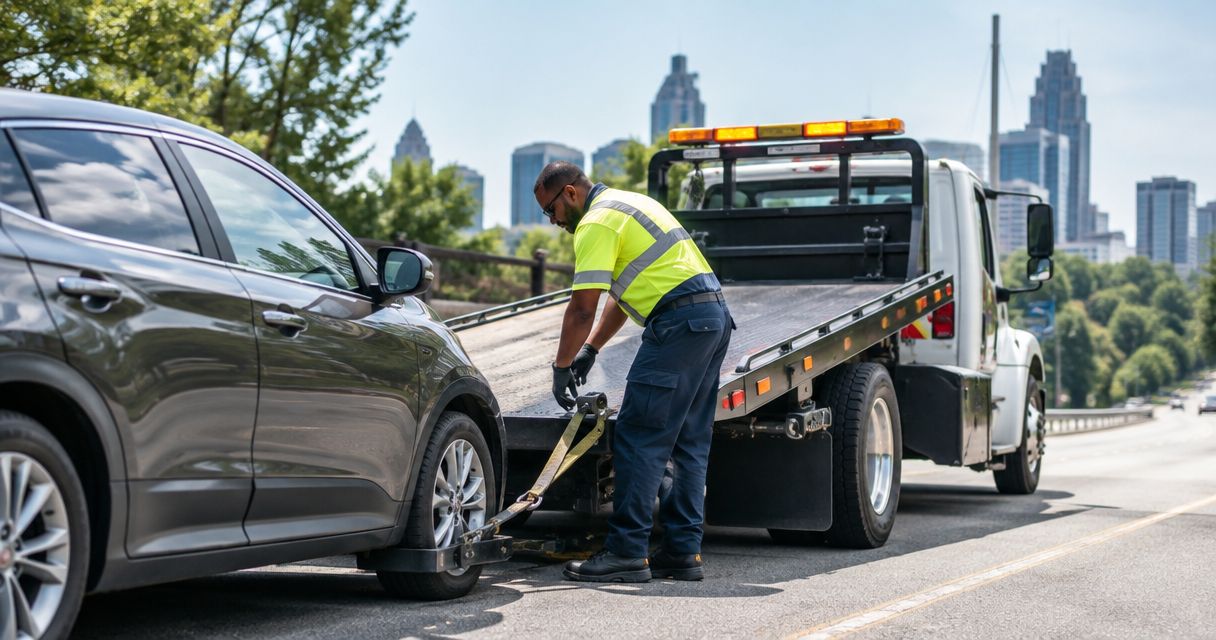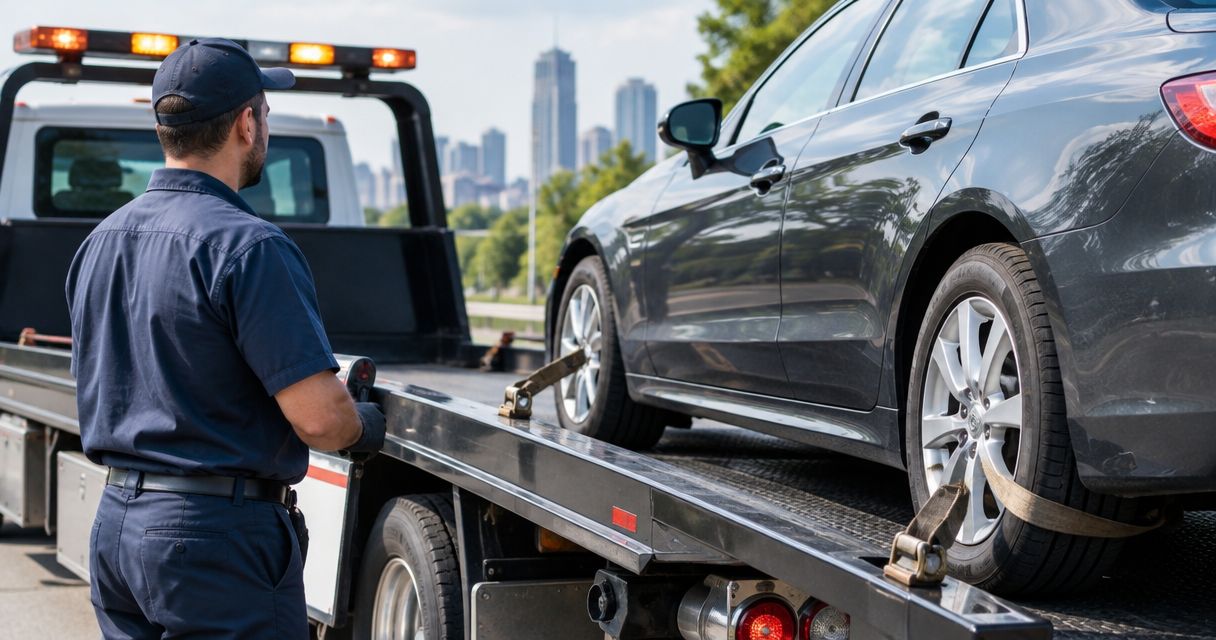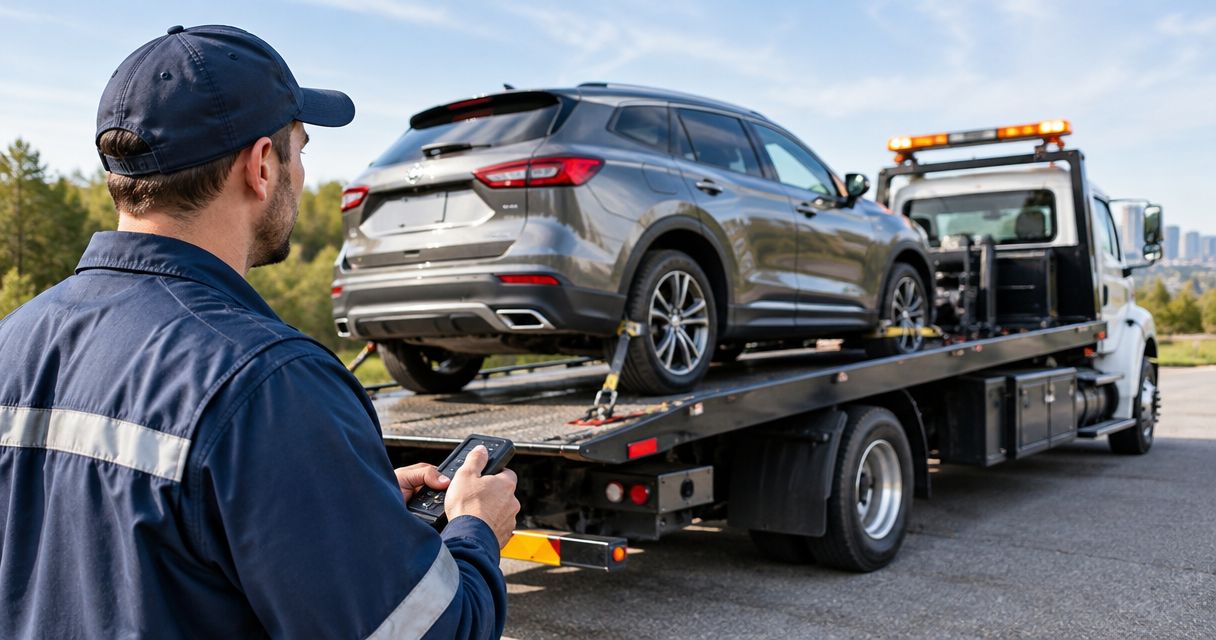
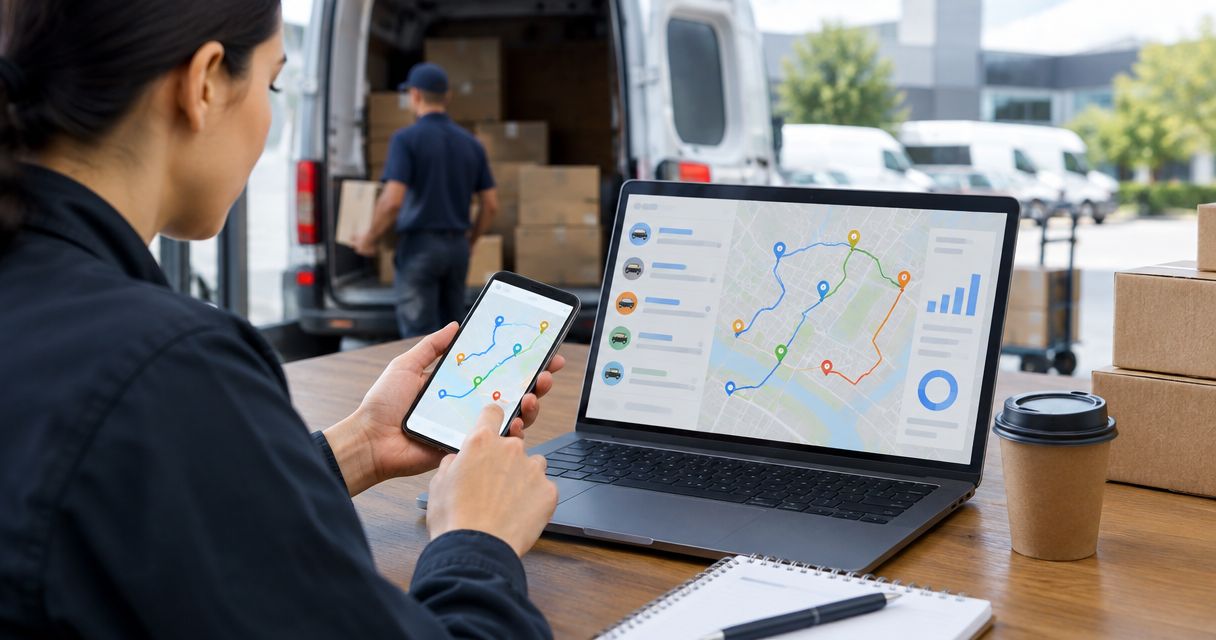
Delivery truck down? Instead of copying route details between calls, use a delivery routing app breakdown dispatch workflow that opens one incident and separates roadside help from backup driver assignment. Call Atlroadside for 24/7 Atlanta metro roadside assistance, then put dispatch in charge of the unfinished deliveries.
- Use a delivery routing app breakdown dispatch workflow to separate roadside assistance from backup driver assignment.
- Atlroadside provides Atlanta metro roadside assistance, including fuel delivery, jump starts, tire changes, and towing.
- Confirm the driver's location and safety before transferring unfinished stops.
- Keep one incident record; close roadside recovery and delivery reassignment separately.
Why this matters
A stalled vehicle creates two jobs: help the stranded driver and protect the remaining route. Assigning another driver does not fix the vehicle. Requesting a tow does not tell customers what happens to their deliveries.
Atlroadside roadside assistance is a fit for Atlanta metro delivery fleets needing 24/7 vehicle help, not backup driver assignment. Keep that distinction clear. Your dispatcher owns staffing, package custody, and route changes; the roadside provider handles the requested vehicle service.
For your 2026 dispatch procedure, use one incident record with two separate outcomes: vehicle disposition and delivery disposition. Neither should disappear just because the other is resolved.
Before you start
- Access: Give an authorized dispatcher access to active routes, driver contact information, stop assignments, and your incident log. Keep a calling option outside the routing app so a driver can report trouble without completing a form.
- Materials: Prepare vehicle identifiers, fuel type, fleet escalation contacts, backup driver assignments, and package-transfer rules. Keep customer details inside approved fleet systems rather than copying the full route into roadside messages.
- The gotcha: A late stop or stationary location is not proof of a breakdown. Require driver confirmation before requesting service or moving deliveries. Check which route changes your app supports before depending on automation.
This is a platform-neutral workflow. The bold field names below are suggested internal record labels, not claims about buttons in a particular routing app. Use your existing equivalents. Set up supported notifications where available; otherwise, have dispatch update the same record manually.
Breakdown intake record
Capture the incident before changing the route
- Confirm immediate safety. Ask whether the vehicle is out of traffic, whether anyone is hurt, and whether there is fire, smoke, or a fuel leak. Use emergency services for immediate danger. Do not send a backup driver into an unsafe roadside transfer.
- Record the location. Fill Location with the driver's confirmed position, road name, direction of travel, nearest exit or cross street, and access details. Ask whether the location pin marks the disabled vehicle or merely the driver's phone.
- Identify the vehicle. Fill Vehicle with the fleet unit identifier, vehicle type, and reported problem. Distinguish a delivery car from a box truck or semi-truck. For fuel delivery, confirm gasoline or diesel rather than guessing from appearance.
- Connect the route. Fill Route with the active route identifier and unfinished stops. Record Driver contact using a number the stranded driver can answer.
- Assign ownership. Fill Incident owner with the dispatcher responsible for updates. Create one Incident ID and attach later calls, messages, and route changes to that record.
Expected result: Dispatch has a confirmed breakdown, a usable location, a reachable driver, and a named owner. No deliveries have moved on an unverified alert.
Keep the intake short enough to use under pressure. Record what the driver reports; do not turn a symptom into a diagnosis. An engine that will not start is a report. A failed battery is a diagnosis that still needs confirmation.
Roadside request and backup assignment
Start separate actions from the same incident
- Choose the roadside request. Fill Service needed with the reported need: fuel delivery, jump start, lockout help, tire change, towing, or heavy-duty recovery. Explain uncertainty to the provider rather than requesting equipment based on a guess.
- Call for vehicle help. Give Atlroadside the confirmed location, vehicle type, callback number, and symptoms. Its services include gasoline and diesel delivery, jump starts, lockouts, tire changes, towing, and heavy-duty towing/recovery across the Atlanta metro.
- Record acknowledgment. Set Roadside status to a label such as Request sent, Acknowledged, or Completed only when that event occurs. A sent message is not an accepted job. Record the provider's actual update without inventing an arrival time.
- Assign delivery recovery. Fill Backup owner with the dispatcher handling unfinished deliveries. Set Delivery status independently from roadside status. The backup owner checks driver suitability, vehicle suitability, load requirements, and safe access before assigning work.
- Hold unsafe transfers. Do not instruct drivers to move parcels beside live traffic. Decide whether the vehicle can be reached safely or whether recovery must happen before a transfer.
Expected result: Vehicle help has its own confirmed request, while route recovery has its own accountable owner. Neither action silently substitutes for the other.
For your 2026 operating procedure, define what counts as acknowledgment. Use a direct response from the provider or an explicit confirmation through your approved channel—not a notification delivery receipt.
Request Atlanta roadside help
24/7 fuel delivery, jump starts, lockouts, tire changes, towing, and heavy-duty recovery.
Route handoff and customer updates
Transfer only confirmed unfinished work
- Review unfinished stops. Separate completed deliveries from work still aboard the disabled vehicle. Check exceptions such as failed delivery attempts, returns, signature requirements, and parcels awaiting collection.
- Confirm custody. Fill Package custody with who holds the goods and where they are. A route reassignment does not prove that the backup driver physically received the parcels.
- Confirm the backup driver. Obtain explicit acceptance before changing ownership of the stops. Check the driver's existing workload and applicable fleet operating requirements. Do not assume the nearest map marker is an available driver.
- Reassign the work. Use the routing app's supported reassignment process. If the app does not support reassignment, use your approved dispatch procedure and record who owns each unfinished stop. Avoid maintaining conflicting assignments.
- Send accurate updates. Tell affected customers that their delivery is being reassigned or rescheduled, as appropriate. Publish a revised estimate only after the dispatcher has confirmed the plan.
Expected result: Every unfinished stop has a known owner, and the incident record distinguishes route assignment from physical package custody.
The roadside dispatch process guide covers the vehicle-service side of this handoff. Keep delivery instructions separate from the information a roadside provider needs to reach and assist the vehicle.
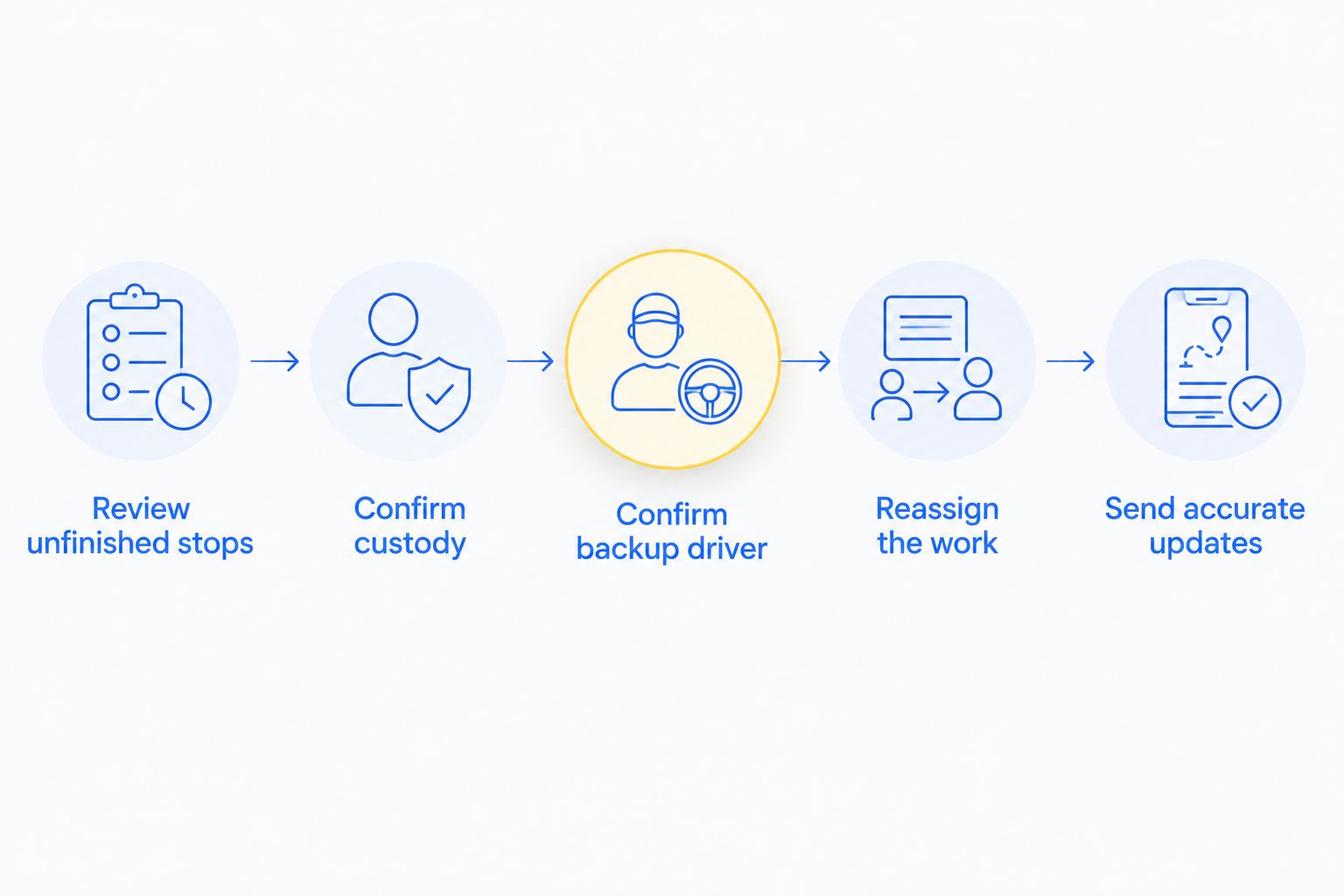
A delivery reassignment needs both a system update and a real-world handoff. If either is incomplete, keep the incident open and make the unresolved task visible to the next dispatcher.
Completion controls and testing
Close each outcome on evidence
- Confirm vehicle disposition. Record whether the vehicle returned to service, was towed, or remains disabled. If it was towed, record the confirmed destination in the incident log.
- Confirm delivery disposition. Record which stops were completed, transferred, returned, or rescheduled. Keep an unresolved delivery open even when the roadside job is finished.
- Remove stale assignments. Check that the disabled driver and backup driver do not both retain active ownership of the same stops.
- Run a controlled rehearsal. Use a clearly marked test record and authorized staff. Do not place a false emergency service request. Check three handoffs: driver to dispatcher, dispatcher to roadside provider, and dispatcher to backup driver.
- Check the exception path. Rehearse an unreachable driver, an unaccepted backup assignment, and an app outage. Make sure each exception reaches a person rather than remaining inside an unattended queue.
Expected result: The incident closes only when both outcomes are documented, and your team knows how to continue without an app notification.
Before using this workflow live in 2026, review permissions. Limit customer and location data to the people who need it. A roadside request needs access information and vehicle details—not an unrestricted copy of the customer list.
Variant: update dispatch when the incident changes
The initial report is only the start. A vehicle initially reported as out of fuel can still require towing if it does not return to service. Keep the same incident record and update the requested help after confirming the new condition.
Use this second workflow when the driver reports a changed location, a different symptom, or a completed roadside service. Supported app notifications can flag the update; dispatch still confirms any change to the service request or delivery plan.
| Workflow | Best for | Advantage | Limitation |
|---|---|---|---|
| Driver-confirmed breakdown intake | Best for starting vehicle help and backup assignment | Establishes location, symptoms, and ownership before action | Requires a reachable driver or another reliable confirmation |
| Incident-update dispatch | Best for changed symptoms, locations, or recovery outcomes | Keeps both workstreams tied to the existing incident | Unreviewed updates can leave the provider or backup driver working from old information |
Do not create a fresh service request for every status change. Contact the existing provider, confirm the revision, and record acknowledgment. Open another request only when a separate job is actually required.
For your 2026 update rules, route changes to the incident owner first. Customer notifications should reflect the confirmed delivery plan, not every internal status edit.
Troubleshooting
The same breakdown opens multiple incidents
Match incoming alerts against an open incident for the vehicle and route. Attach repeated reports to that record. Have the incident owner confirm whether the new report describes the same event before requesting more help.
The map pin points to the wrong place
Ask the driver to confirm road name, direction, exit, and access. Record when the location was confirmed. If the vehicle moves, notify the provider directly; editing an internal pin does not confirm that the provider received it.
The backup driver has stops but no parcels
Treat the handoff as incomplete. Confirm the package location and safe transfer plan before sending the backup driver toward customers. Correct the route assignments if the original transfer cannot happen.
A notification goes unanswered
Escalate through your approved calling process and assign a person to follow up. Do not treat a delivered notification as acknowledgment. Keep the request visibly unresolved until someone accepts responsibility.
Roadside service finishes but deliveries remain blocked
Close only the roadside outcome. Keep the delivery task assigned to its owner until the remaining stops have a documented disposition. Vehicle recovery and customer delivery are separate completion checks.
Customize your workflow
Start with the jobs your fleet actually encounters. Fuel and diesel delivery need confirmed fuel type. Lockouts need the vehicle location and access situation. Tire requests need vehicle details and the reported tire problem. Heavy-duty towing requests need the commercial vehicle identified accurately.
Keep your 2026 incident form focused on action. Add a field only when it changes a service request, a safe handoff, an assignment, or a customer update. Long forms encourage drivers to bypass the process when they need help now.
FAQ
How does delivery routing app breakdown dispatch work?
It connects a confirmed vehicle breakdown to one incident record, then separates roadside assistance from backup driver assignment. Dispatch tracks vehicle recovery and unfinished deliveries independently.
Can Atlroadside supply a backup delivery driver?
Use your fleet's staffing process to arrange a backup driver. Atlroadside provides roadside assistance and towing; backup delivery staffing is a separate dispatch task.
Do I need an automatic integration to use this workflow?
No. A dispatcher can run the workflow manually using an incident log, calls, and the routing app's existing assignment tools. Add automation only for actions your systems support.
Should a late delivery automatically trigger a tow request?
No. Confirm the driver's situation before requesting vehicle service. A delayed stop or stationary map position alone does not establish a breakdown.
What should I send with a roadside request?
Send the confirmed location, vehicle type, reported problem, callback number, and access details. Confirm gasoline or diesel for fuel delivery and identify commercial vehicles accurately.
Can I transfer packages while waiting for roadside help?
Transfer packages only when the location and handoff are safe and your fleet's rules allow it. Do not move parcels beside live traffic just to keep the route moving.
What should a fleet check before using this workflow in 2026?
Check permissions, driver reporting, provider acknowledgment, backup driver acceptance, and separate closure of vehicle and delivery tasks. Rehearse the process without placing a false emergency request.
One last thing
Record who has the parcels—not just who has the route. That single distinction prevents a digital reassignment from being mistaken for a completed handoff. A backup driver needs the goods and a safe plan, not merely a new list of stops.