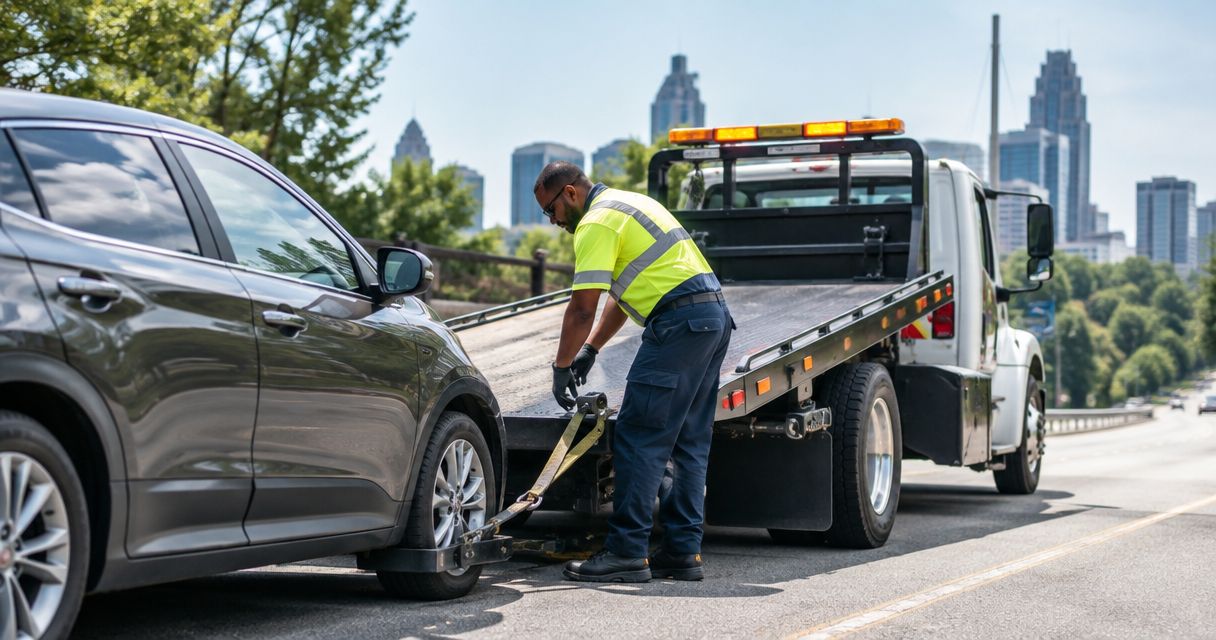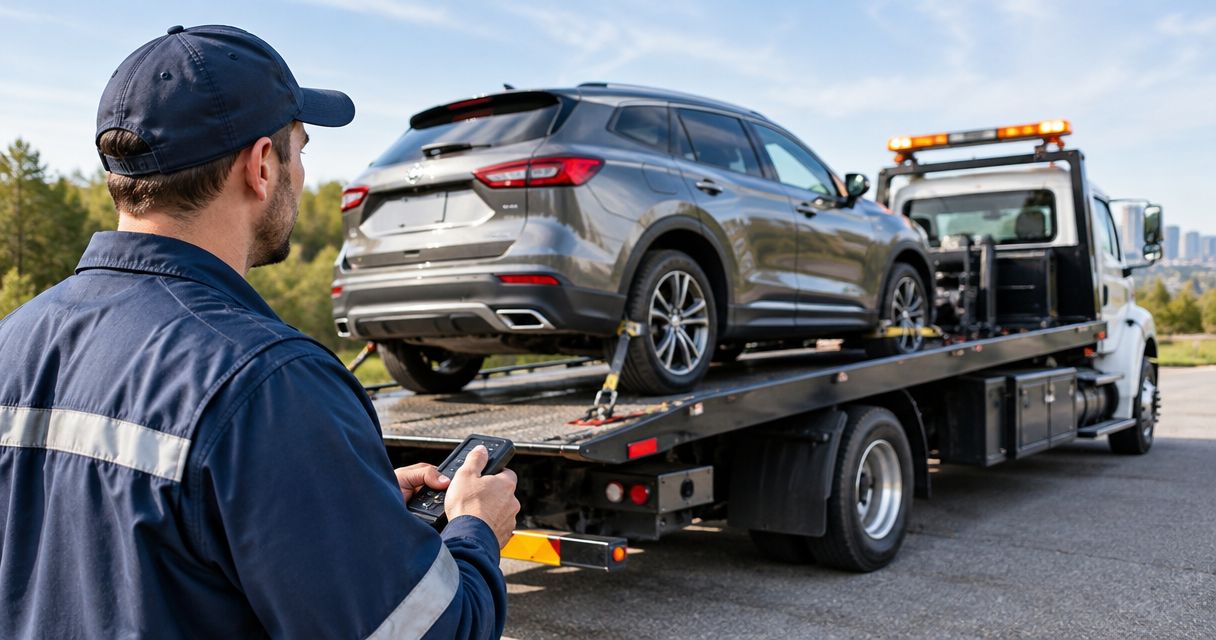

Instead of manually chasing maintenance warnings, set up a vehicle flag that sends the right details to your fleet dispatcher for roadside review. Already stranded? Contact Atlroadside for 24/7 roadside assistance across the Atlanta metro; a software flag alone does not request help.
- Fleet maintenance software roadside standby coverage needs separate steps for vehicle alerts, human approval, and confirmed roadside assistance.
- Atlroadside provides Atlanta fleets with 24/7 roadside assistance, including fuel delivery, jump starts, and heavy-duty towing.
- Keep maintenance warnings separate from emergency requests; a standby flag does not confirm dispatch.
- Test your workflow before using live driver details or sending service requests.
Why this matters
A maintenance warning tells your team to investigate. It does not establish whether a vehicle is stranded, whether roadside work is safe, or whether a provider has accepted the job. Your workflow must keep those decisions separate.
Atlroadside is best for Atlanta fleets needing 24/7 roadside assistance for cars, commercial vehicles, and heavy-duty rigs. Use the provider for the roadside service, not as a substitute for maintenance decisions or your own dispatch process.
For your 2026 fleet procedure, define standby as an internal readiness status unless your provider has explicitly agreed to something else. Do not treat that label as reserved equipment, an accepted service request, or permission to keep driving.
Before you start
- Get the right access. You need permission to edit vehicle records and notification rules, plus access to the fleet's approved communication channel. Use automation only where your software supports it.
- Prepare the handoff. Collect vehicle identifiers, driver contact details, vehicle class, fuel type, and the person authorized to request roadside service. Keep your provider's contact information in your approved fleet records.
- Separate alerts from requests. This is the setup trap: sending a notification to your dispatcher does not notify a roadside provider. Do not enable external messages until the receiving channel and request process are agreed.
No specific software platform is required for this procedure. The field names below are proposed internal labels, not instructions for buttons in a named application. Match them to your platform's documented fields and controls; use a manual dispatch checklist wherever the software lacks the required function.
Vehicle records and alert rules
Build the vehicle handoff
- Choose 1 test vehicle before changing the full fleet. Use a controlled record that cannot accidentally generate a live service request.
- Add or verify the vehicle identifier, vehicle class, driver contact, assigned dispatcher, and fuel type. For a tractor-trailer, record the combination details your dispatcher needs to describe the job.
- Create a field called Roadside status, if your system supports custom fields. Suggested values are No request, Standby review, Assistance requested, and Service confirmed.
- Store the latest reported location separately from the vehicle's usual depot. Keep its timestamp visible so dispatch can spot an old location.
Expected result: Your dispatcher can identify the vehicle, reach the driver, and distinguish a maintenance concern from an active roadside request.
Do not bury the handoff inside a long maintenance note. A stranded driver should not have to repeat the unit number because the notification only says that service is overdue.
Define the qualifying event
- Choose an event your software actually records, such as a submitted driver defect report or a maintenance issue opened by your team.
- Route the event to the person responsible for reviewing that vehicle. Do not assume a general inbox has an owner.
- Set the event to create a Standby review task, not an automatic towing request.
- Exclude routine reminders that do not require roadside attention. Have your maintenance lead define which defects require removal from service.
Expected result: A relevant event produces a review task with an owner. It does not dispatch a truck or clear a vehicle to operate.
Use defect reports to describe symptoms, not to invent diagnoses. Driver reports engine will not crank is useful. Battery replacement required is a repair conclusion that needs confirmation.
Standby status and approval rules
Keep 2 separate statuses: the vehicle's maintenance or operating status, and the roadside request status. A vehicle can have an open maintenance issue without needing roadside help. It can also need a tow while the original maintenance record remains unresolved.
For your 2026 workflow, use this distinction when deciding who receives an alert:
| Workflow state | Best for | Advantage | Limitation |
|---|---|---|---|
| Standby review | A reported issue needing dispatcher assessment | Prepares vehicle details before a service call | Does not establish that assistance is needed |
| Assistance requested | A driver who needs roadside help now | Gives the request an owner and a record | Does not mean the provider has accepted it |
| Service confirmed | A request the provider has acknowledged | Separates accepted work from unanswered messages | Does not mean the vehicle is repaired or cleared |
Assign the decision owner
- Assign a primary dispatcher and a backup contact. Define who takes over when the primary contact is off duty.
- Require the dispatcher to contact the driver before requesting service, unless your fleet has an approved emergency procedure for that situation.
- Confirm whether the vehicle is safely stopped, what the driver reports, and whether immediate danger requires emergency services.
- Record the decision: continue maintenance review, request roadside help, or follow the fleet's emergency procedure.
Expected result: Every flagged vehicle has a person responsible for the next action. Nobody has to guess whether another team member made the call.
Never use a roadside standby flag as a roadworthiness decision. Your maintenance and safety procedures control whether a vehicle stays in service.
Dispatch handoff and verification
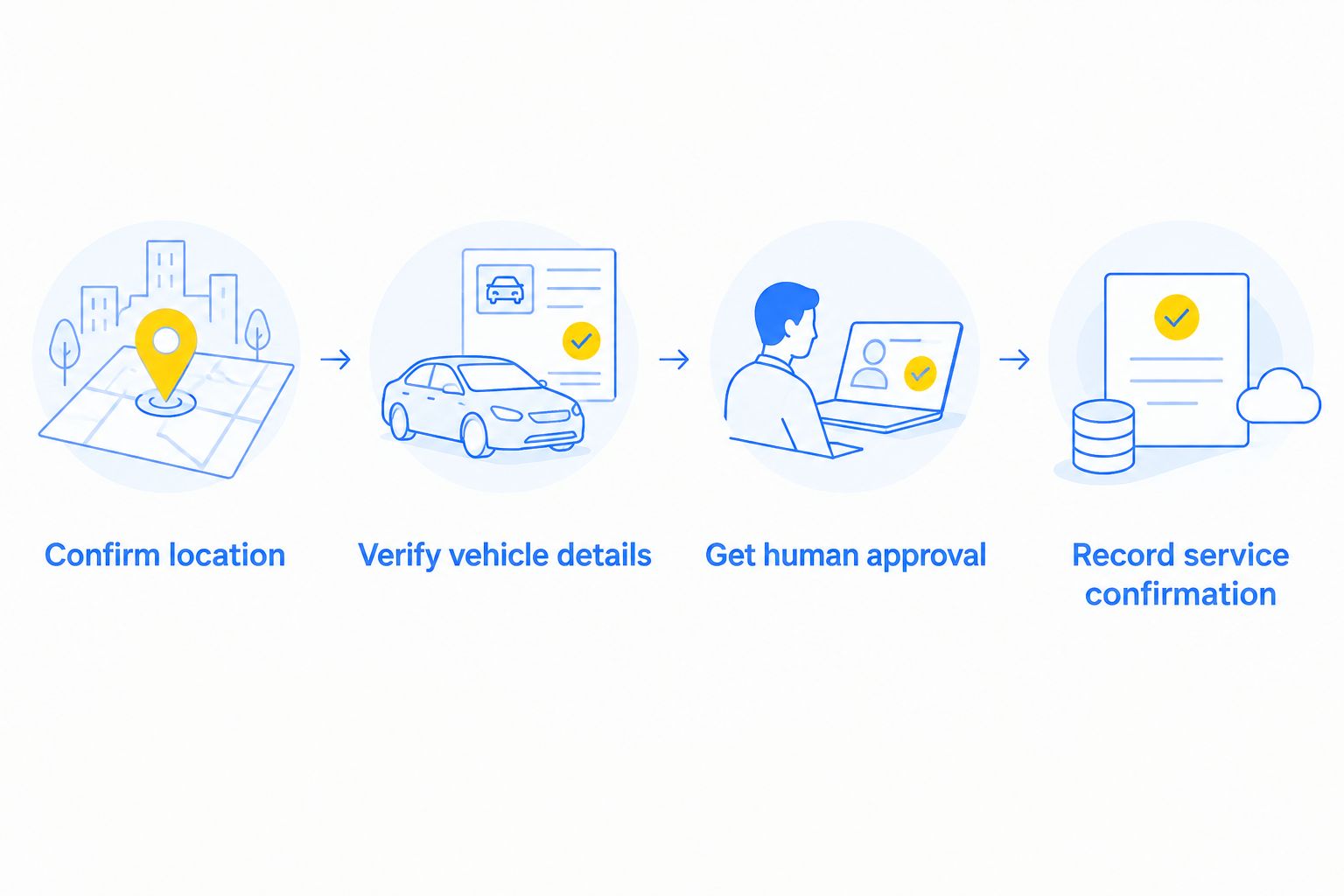
Prepare the service request
- Confirm location. Get the road, direction of travel, nearby exit or landmark, and the driver's current location. Do not send a depot address as the breakdown location.
- Verify vehicle details. Confirm the unit, vehicle type, reported symptom, and requested help. For fuel delivery, confirm gasoline or diesel rather than inferring it from a vehicle nickname.
- Get human approval. Have the authorized dispatcher make the request through the provider's established contact process.
- Record service confirmation. Update the record only after the provider acknowledges the request. Keep the acknowledgment separate from your outbound message.
Expected result: The service request contains current information, has an authorized owner, and shows whether help has actually been confirmed.
Atlroadside provides fuel delivery, jump starts, lockout service, tire changes, emergency towing, and heavy-duty towing and recovery. Tell the dispatcher what happened and what vehicle is involved; do not select a service solely from a software alert.
The benefit is a practical service handoff for Atlanta drivers and fleets. The limit is equally important: this workflow does not establish a software integration, reserved standby equipment, or automatic dispatch with Atlroadside. Confirm the request directly.
Get help for a stranded vehicle
24/7 roadside assistance for drivers and commercial fleets across the Atlanta metro.
Test the complete handoff
- Create a clearly marked test issue on your test vehicle. Keep external service requests disabled during this check.
- Verify that the correct dispatcher receives the task and can open the vehicle details.
- Change the record from Standby review to a simulated request state. Check that it does not falsely show Service confirmed.
- Close the test and confirm that stale alerts stop. Record the result in your 2026 procedure before adding more vehicles.
Expected result: You can trace the event, notification, decision, and closure without contacting a provider accidentally.
Test the backup contact as well. A workflow that reaches the daytime dispatcher but has no after-hours owner is unfinished.
Update standby whenever a defect report changes
An updated defect report needs a different response from a newly opened issue. Use an update-triggered rule only if your platform supports it; otherwise, make this part of the dispatcher's review checklist.
- New symptoms: Send the changed information to the assigned dispatcher. Do not silently replace the original report.
- New location: Ask the driver to confirm it before changing an active service request. Notify the provider through the established channel.
- Issue resolved: Clear the internal standby task only after the responsible person records the outcome.
- Help already requested: Contact the provider before canceling or changing the job. Closing a maintenance ticket does not cancel roadside service.
Keep 1 open incident per vehicle and event as your operating rule, while preserving later updates. This reduces duplicate work without hiding separate problems on the same vehicle.
If location updates are part of your process, use the fleet GPS tracking and roadside dispatch guide to plan that handoff. Treat GPS data as information to verify, not proof that a provider received a request.
Troubleshooting
Every maintenance reminder creates a standby task
Narrow the qualifying event. Separate scheduled maintenance reminders from driver-reported breakdowns, and have the maintenance lead approve the categories that need dispatcher review.
The alert arrives without usable location details
Check whether the notification pulls the vehicle's depot, last stored position, or driver-reported location. Label each source clearly and require a current location check before requesting help.
Several people request help for the same vehicle
Assign a single incident owner and make the request status visible. Require other team members to send updates to that owner rather than starting another request.
The record says help is confirmed, but nobody acknowledged it
Correct the status rule. An outgoing notification should set Assistance requested at most; only an actual provider acknowledgment supports Service confirmed.
The alert clears when the driver still needs help
Separate maintenance-ticket closure from roadside-incident closure. Require the dispatcher to check the driver's situation and any active provider request before closing the roadside record.
Customize your workflow
Build your 2026 dispatch checklist around the work your vehicles do. A delivery car with a lockout needs a different handoff from a semi-truck reporting a tire problem. Both need a current location, a reachable driver, and an incident owner.
For commercial vehicles, add the vehicle and load details your dispatcher needs to explain the situation. Do not ask drivers to inspect damage from an exposed shoulder or perform checks that conflict with their training and safety procedures.
Review the notification recipients when staffing changes. Also review the workflow after an incident that produced a duplicate request, missed acknowledgment, or wrong location. Fix the specific failure rather than adding another generic alert.
FAQ
What is fleet maintenance software roadside standby coverage?
It is a workflow connecting vehicle maintenance alerts with readiness to request roadside assistance. An internal standby status does not itself create a service agreement, reserve equipment, or confirm dispatch.
Can fleet maintenance software automatically call a towing company?
Automatic contact depends on the software's supported functions and an agreed receiving process. This guide uses human approval and does not establish an automatic dispatch integration with Atlroadside.
Does an overdue maintenance alert mean a vehicle needs towing?
No. An overdue maintenance alert requires review; the reported condition and your fleet's safety procedures determine the next action. Do not treat the alert alone as a diagnosis.
What details should a fleet dispatcher send for roadside help?
Send the current location, driver contact, vehicle identifier, vehicle type, and reported problem. Confirm fuel type for fuel delivery and describe the commercial vehicle configuration when relevant.
Can Atlanta fleets request help outside normal business hours?
Atlroadside provides 24/7 roadside assistance across the Atlanta metro for drivers and commercial fleets. Your internal workflow still needs an after-hours owner to request and confirm service.
Should a vehicle return to service when the roadside ticket closes?
No. Closing a roadside ticket records the service outcome, not automatic clearance to operate. Follow your fleet's maintenance and safety approval process.
One last thing
The most important field is acknowledgment, not notification. A message marked sent proves only that your system sent it. Make provider confirmation a separate, deliberate step in your 2026 roadside procedure.