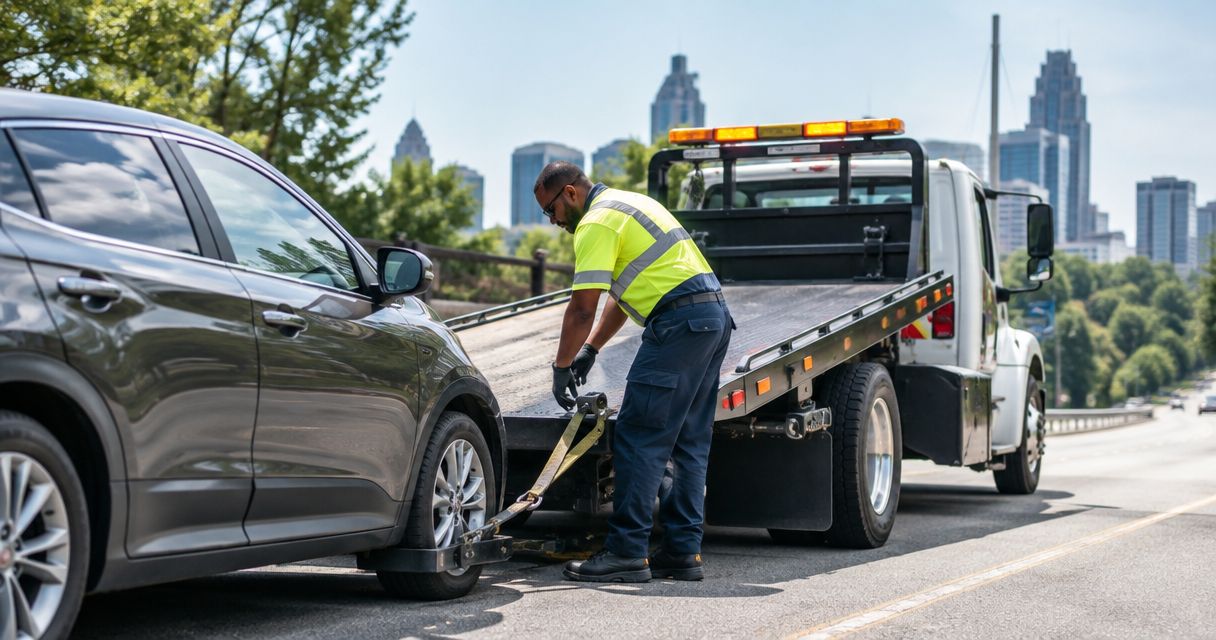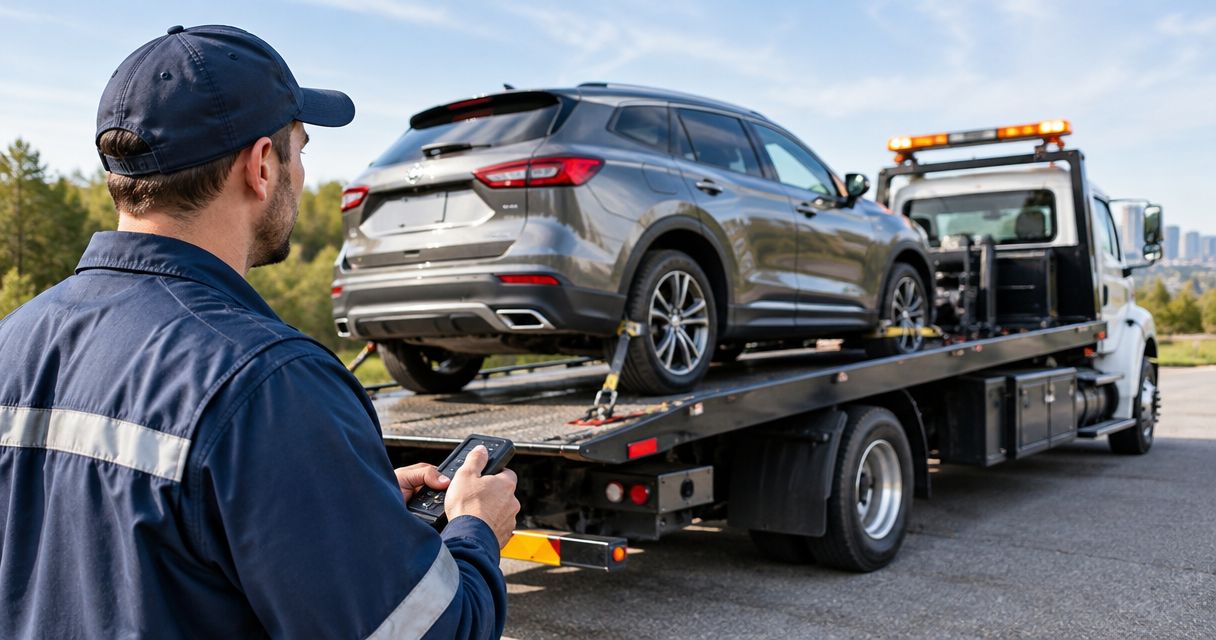
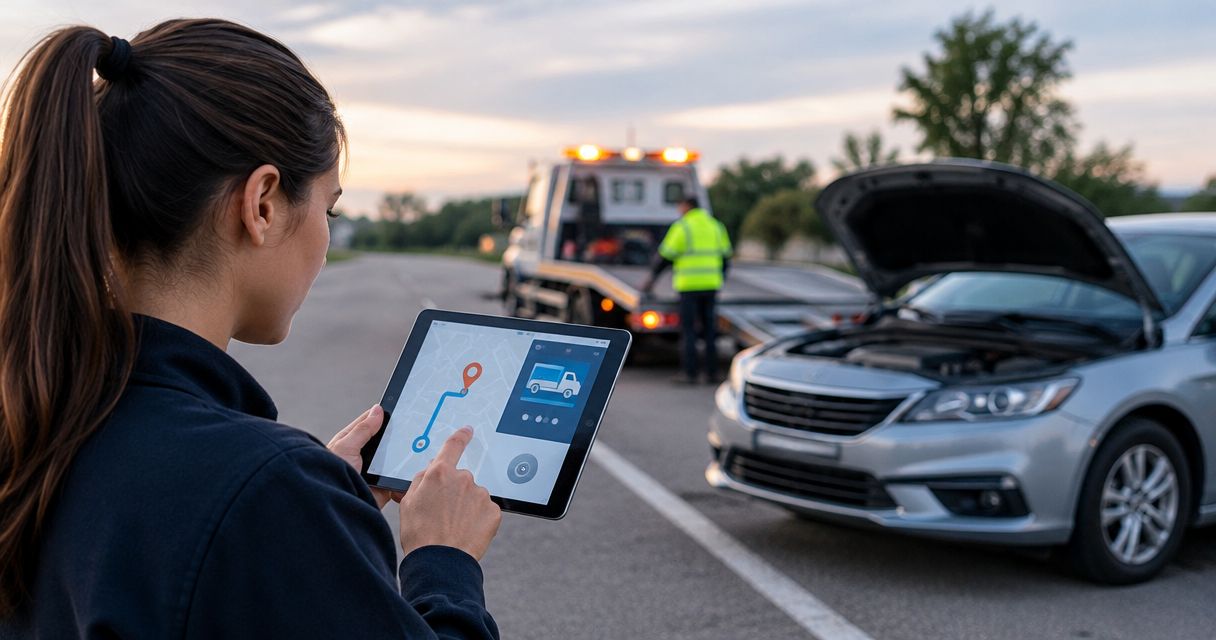
Rental car broken down? Call the assistance number on your rental agreement, then confirm your location and vehicle details. For rental car roadside dispatch, replace repeated calls and copied notes with a shared incident record that routes an authorized request to a roadside provider; Atlroadside provides 24/7 roadside assistance across the Atlanta metro.
- Rental car roadside dispatch needs a verified location, vehicle details, rental authorization, and provider acceptance.
- Atlroadside provides Atlanta roadside assistance, including fuel delivery, jump starts, lockouts, tire changes, and towing.
- Use a shared incident record; a sent request is not a confirmed roadside assignment.
- Keep rental approval separate from provider acceptance, and update the existing incident when details change.
Why this matters
A driver needs help. The rental desk needs to identify the vehicle, confirm authorization, and arrange the right service without losing the driver's location between calls.
Atlroadside is best for Atlanta drivers and rental fleets needing local, 24/7 roadside assistance. The company provides the roadside service; your rental agreement and rental operator determine who can authorize work. Do not treat those as the same decision.
This 2026 workflow is a configuration blueprint, not instructions for a named rental platform. The bold field names below are proposed labels for your incident form, not claims about an existing interface or a supported software connection.
Before you start
- Driver access: Have the rental agreement, vehicle identification, callback number, and assistance instructions ready. If you are stranded now, contact the rental operator rather than waiting for a software setup.
- Dispatcher access: Identify who can manage incident records, approve service, contact providers, and notify renters. Confirm the communication channel with each provider before sending live requests.
- The gotcha: A submitted request does not establish rental authorization or provider acceptance. Build separate confirmation steps, and agree on a backup contact method before testing the workflow.
For immediate danger, injuries, fire, or a vehicle creating a traffic emergency, call 911. Roadside dispatch does not replace emergency services.
Incident intake
Create an intake record that works for a renter calling from a highway shoulder, not just someone sitting at a desk. Collect the essentials first; attach supporting details afterward.
- Create a unique Incident ID. Keep the same identifier through approval, assignment, updates, and completion so each person can find the current request.
- Add Driver callback, Rental agreement reference, and Vehicle identification. Record the make, model, and plate or fleet identifier. Share only the information the recipient needs.
- Capture Current location separately from the rental branch address. Ask for the road, direction of travel, nearest exit or cross street, and a location pin when the driver can safely provide one.
- Add Reported problem and Safety concern. Record the driver's observations rather than turning an uncertain symptom into a diagnosis.
- Record Location confirmed at and Contact confirmed at. Reconfirm both before dispatch if the driver moves or another person takes over the call.
Expected result: The incident identifies the renter, vehicle, problem, and actual pickup location without forcing the next dispatcher to start over.
A location pin is useful, but it does not explain access. Ask whether the vehicle is on a shoulder, in a parking structure, behind a gate, or somewhere a service vehicle cannot approach directly. Keep those details with the location.
Authorization and service routing
For your 2026 routing rules, separate what the driver reports from what the rental operator approves. A dead vehicle does not automatically mean a jump start, and a flat tire does not automatically mean an on-site tire change.
- Add Authorization owner and Authorization status. Identify the rental employee or designated assistance administrator responsible for approving the request.
- Record Approved service and any Approval restrictions. Do not mark approval complete because the renter submitted a form.
- Route the incident by Service needed, using the table below as an intake guide. Let the provider confirm whether the reported conditions fit the requested work.
- For towing, capture Approved destination, vehicle condition, and access restrictions. For commercial vehicles, include vehicle class and relevant load information.
- Hold an incomplete request for human review rather than automatically assigning an unsuitable service.
Expected result: The request contains an authorized service category and enough vehicle information for a provider to assess the job.
| Service route | Best for | Advantage | Limit or check before dispatch |
|---|---|---|---|
| Fuel or diesel delivery | A vehicle reported out of fuel | Addresses a fuel shortage at the vehicle | Confirm the correct fuel; a no-start alone does not establish an empty tank |
| Jump start | A vehicle with suspected battery-related starting trouble | Requests help at the vehicle | Does not establish why the battery lost charge |
| Lockout service | Keys locked inside the rental | Requests vehicle access assistance | Confirm identity and rental authorization |
| Tire change | A flat tire with a usable spare | Requests help replacing the wheel | Confirm spare condition and safe working access |
| Emergency car towing | A car that cannot safely continue | Moves the vehicle to an approved destination | Requires destination approval and suitable recovery arrangements |
| Heavy-duty towing or recovery | A disabled commercial vehicle or rig | Routes the request toward heavy-duty capability | Requires vehicle, access, and recovery details rather than a passenger-car request |
These are routing choices, not remote diagnoses. Keep unknown details marked unknown. An honest gap is safer than a confident but incorrect service order.
Provider handoff and acceptance
Build the handoff around explicit acknowledgment. For a 2026 dispatch setup, do not use message delivery, an automated receipt, or a completed form submission as proof that a provider accepted the assignment.
- Create a Dispatch summary containing the incident reference, callback, confirmed location, vehicle, approved service, access notes, and authorization contact.
- Send the summary through the provider's agreed channel. Use an automated connection only after both sides confirm that it is supported and tested; otherwise, use a human handoff.
- Record Provider response. Keep unanswered, declined, and accepted requests distinct so an unanswered message cannot appear assigned.
- After acceptance, record Assigned provider, the provider's job reference if supplied, and Arrival estimate only when the provider gives one.
- Tell the renter who accepted the request, what service was requested, and how to report a location or safety change.
Expected result: An identified provider has accepted the incident, and the renter knows the assignment status. Until then, keep the request visibly unassigned.
The handoff sequence below keeps approval and acceptance separate. Neither should disappear inside a single generic status such as processing.
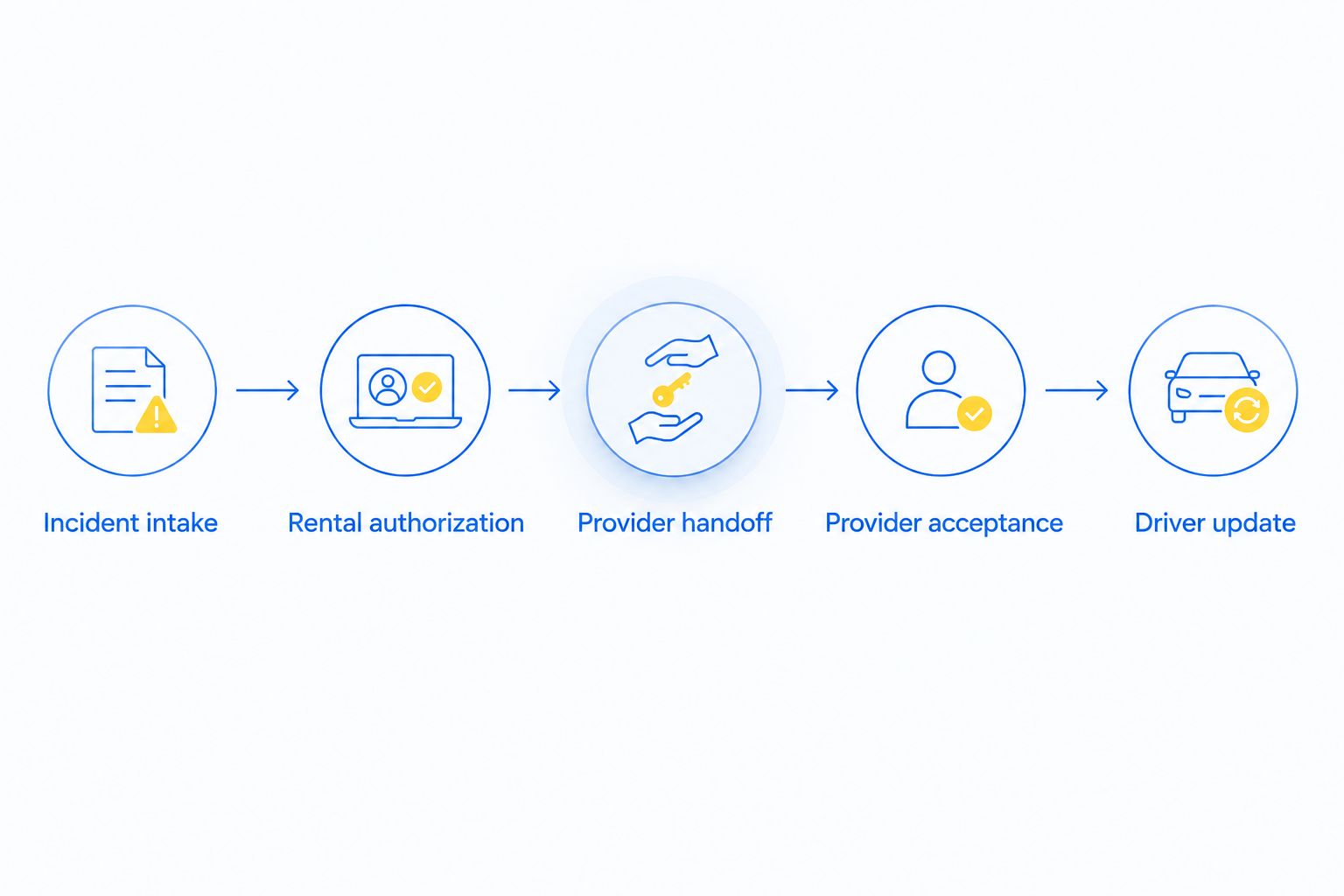
Status updates and closure
A dispatch record should show what happened, not merely that someone sent a request. Set a 2026 status policy that names the next responsible person whenever work stops or changes.
- Define Incident status values that distinguish awaiting approval, awaiting acceptance, assigned, on scene, completed, and canceled. Map these to your system's supported settings.
- Store Last confirmed update with its source. Separate a provider's confirmed update from a driver's assumption or an automated delivery receipt.
- Assign an Escalation owner for missing acknowledgment, failed contact, or a changed service need. Choose escalation timing with the people responsible for dispatch; do not invent an arrival promise.
- Record Completion outcome, including the service performed and vehicle destination when applicable. Ask the renter or responsible rental employee to confirm unresolved issues.
- Close the incident only after checking for another active assignment tied to the same breakdown.
Expected result: Anyone opening the record can identify the current status, responsible contact, and next action without reading a scattered message history.
Keep operational closure separate from vehicle readiness. A completed tow means the transport task ended; it does not mean the rental vehicle is repaired or ready for another customer.
When the breakdown details change
Use an update workflow when the renter moves, a jump start does not resolve the problem, or the requested service changes. Update the existing incident before creating another dispatch.
- Match the update to Incident ID and verify the caller's relationship to the rental.
- Record Changed details, including the new location, symptoms, access conditions, or service need. Preserve the earlier information in the incident history.
- Return changed work to the authorization owner when approval is required. Do not assume approval for a jump start also approves towing.
- Contact the assigned provider directly about a changed location or service. Record acknowledgment before treating the revised plan as accepted.
- Notify the renter and rental contact of the confirmed plan. Cancel a superseded assignment only after coordinating with the responsible parties.
Expected result: The driver, rental operator, and provider work from the same revised request instead of competing assignments.
For fuel-specific intake, use the emergency fuel delivery text workflow. Confirm fuel type rather than asking a stranded driver to guess.
Troubleshooting
The request shows sent, but nobody is assigned
Check for explicit provider acceptance and a named assignment. If neither exists, contact the provider through the agreed backup channel and escalate to the dispatch owner. Tell the renter the actual status instead of repeating an unconfirmed arrival estimate.
The service vehicle heads to the rental branch
Check whether the workflow copied the branch address into the breakdown location. Replace it with the driver's confirmed position, direction of travel, and access notes. Notify the assigned provider directly; changing a record alone does not confirm that the provider received the correction.
The renter receives calls from different providers
Search for duplicate incidents and parallel requests from the renter, branch, and assistance administrator. Identify the authorized assignment, coordinate cancellation of extras, and document the outcome. Do not silently delete a request that another dispatcher is still working.
The provider cannot perform the requested work
Review vehicle class, symptoms, spare-tire details, access, and authorization. Return the incident for reassessment rather than repeatedly sending the same incomplete request. A passenger-car towing request does not communicate the needs of a loaded commercial rig.
The renter cannot be reached
Check the callback number against the intake record and use the agreed alternative contact. Do not assume silence means cancellation. Keep the incident open for review, and involve emergency services when the reported circumstances indicate an immediate emergency.
Customize your workflow
Atlroadside provides roadside assistance for Atlanta drivers and commercial fleets, including fuel delivery, jump starts, lockouts, tire changes, towing, and heavy-duty recovery. Confirm the service request, location, vehicle details, and rental authorization when arranging help; do not assume a software integration exists.
For your 2026 rollout, test the workflow with clearly marked practice incidents before sending live requests. Walk through a passenger-car lockout, an incorrect location, a fuel-type question, and a commercial vehicle needing towing. Keep test requests away from live provider dispatch unless that testing has been agreed in advance.
Give the renter a call path, not just a status screen. Explain whom to contact if the vehicle moves, the phone disconnects, or the situation becomes unsafe.
Request Atlanta roadside help
Contact Atlroadside for 24/7 roadside assistance across the Atlanta metro.
FAQ
How does rental car roadside dispatch work?
Rental car roadside dispatch connects a breakdown report to an authorized service request and an accepted provider assignment. Confirm the renter, vehicle, current location, service need, and authorization before treating the request as assigned.
Who should I call first if my rental car breaks down?
Call the assistance number on your rental agreement or the rental operator's official assistance channel. For immediate danger, injuries, fire, or a traffic emergency, call 911 first.
Can a rental system automatically dispatch a tow truck?
Automatic dispatch requires a supported connection and agreed authorization rules. Without confirmed support, use the rental system to prepare the incident and have a dispatcher obtain provider acceptance.
Does submitting a roadside form mean help is coming?
No. A submitted form establishes a request, not an accepted assignment. Ask who accepted the job and whether the arrival information came from that provider.
Can Atlroadside help with a rental car in Atlanta?
Atlroadside provides 24/7 Atlanta roadside assistance, including towing, fuel delivery, jump starts, lockouts, and tire changes. Confirm authorization with the rental operator and discuss the vehicle and requested service when arranging help.
What information does dispatch need for a rental truck breakdown?
Dispatch needs the confirmed location, driver callback, vehicle identification and class, reported problem, access conditions, and authorization contact. Include relevant load details and an approved destination when requesting towing.
What if the rental vehicle moves after I request help?
Contact the rental assistance dispatcher and assigned provider to confirm the new location. Update the existing incident and obtain acknowledgment rather than assuming a changed location pin reaches everyone.
One last thing
A completed roadside job is not permission to keep driving. If a warning remains, the vehicle still runs poorly, or the provider recommends towing, contact the rental operator for the next instruction. Keep the breakdown record open until someone owns that next decision.