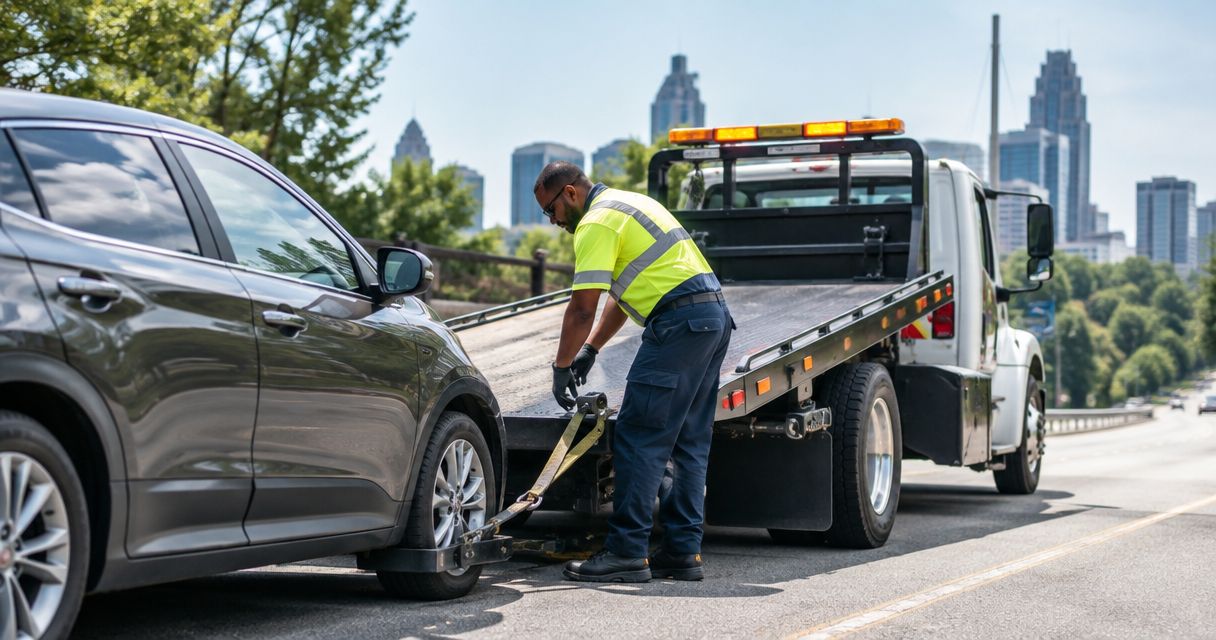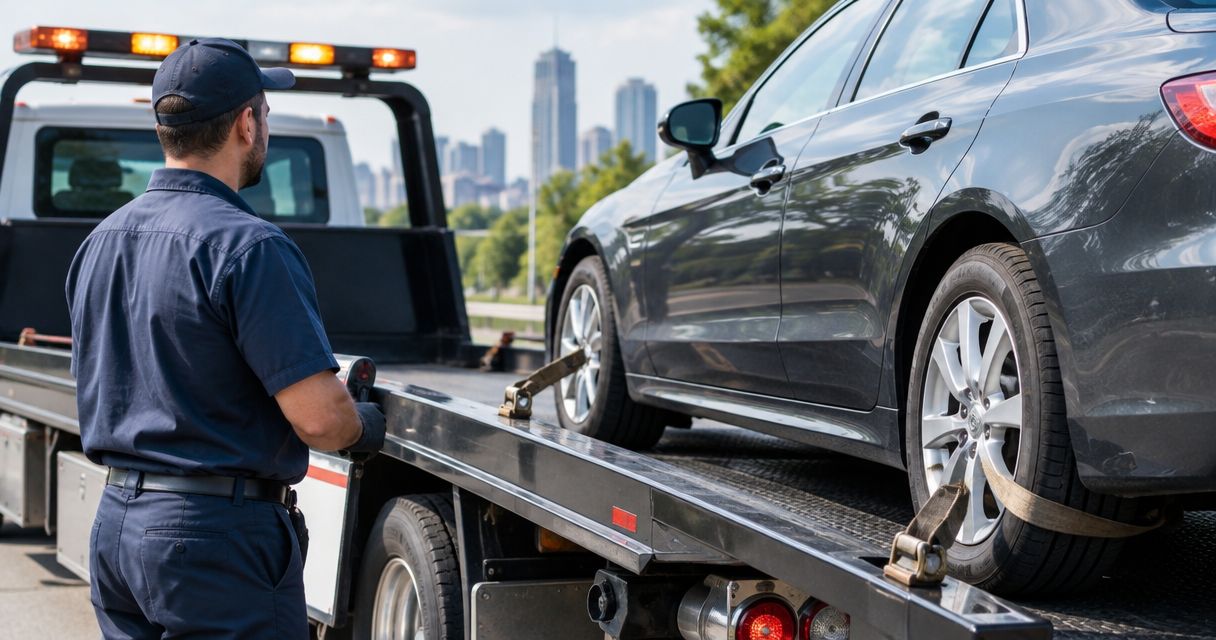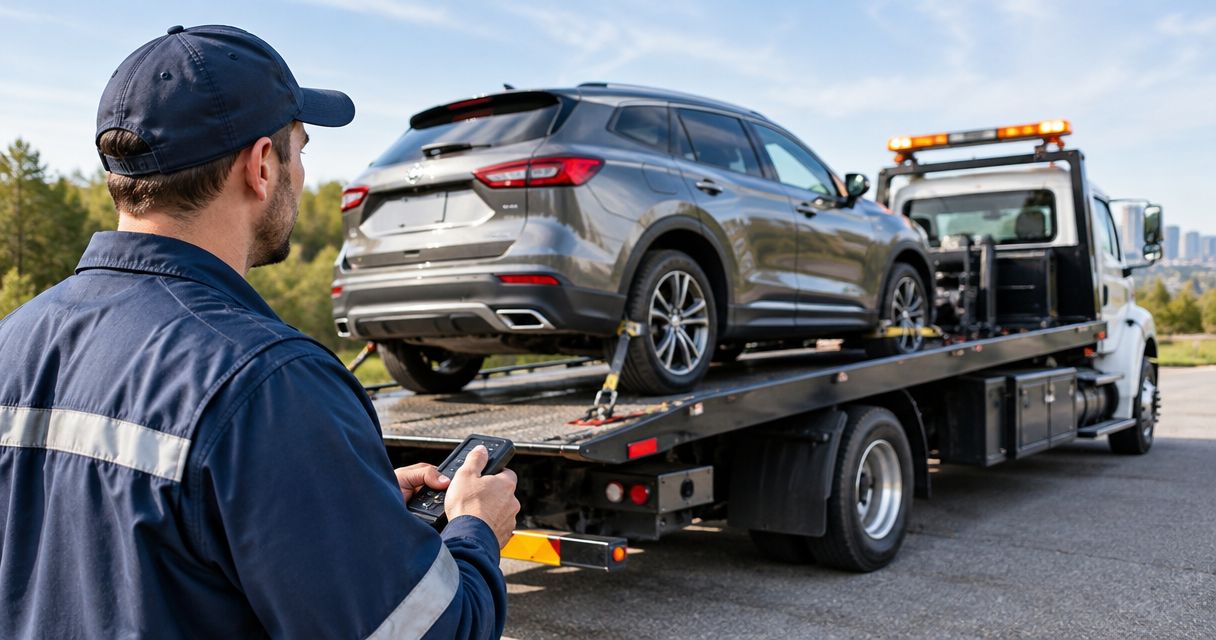
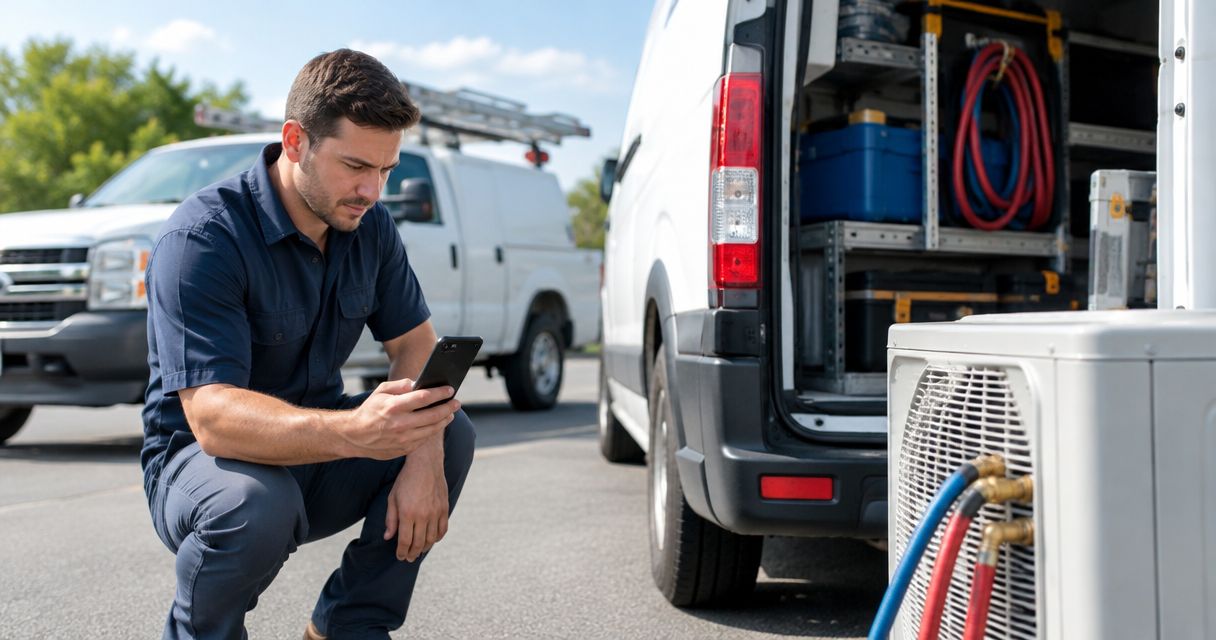
HVAC and plumbing fleet roadside assistance is mobile breakdown support aimed at getting your technician, tools, and service vehicle safely back to work. Stranded now? Get clear of traffic if you can, call for help, and report whether you need fuel, a jump start, a lockout, a tire change, or towing.
- Roadside assistance for HVAC and plumbing fleets should match the loaded vehicle, not just the badge on the hood.
- Atlroadside is best for Atlanta fleets needing 24/7 roadside assistance, towing, and heavy-duty recovery support.
- Send your location, vehicle details, and symptoms before discussing the next appointment.
- Move the customer appointment separately; roadside help does not guarantee the vehicle can return to work.
Need help now? Request roadside assistance and tell dispatch that the vehicle carries HVAC or plumbing equipment. Keep your driver available for a callback. Report any immediate danger before describing the repair problem.
Why roadside assistance matters for HVAC and plumbing fleets
A stranded service van creates two jobs: protect the technician and cover the customer appointment. Treat those as separate tasks. Sending another technician does not resolve a disabled vehicle, and arranging a tow does not update the waiting customer.
Your service vehicle also carries more than its driver. Tools, parts, roof-mounted equipment, and any attached trailer belong in the dispatch conversation because they affect access and vehicle handling. Describe the actual setup rather than asking for a tow for a generic van.
Your 2026 fleet plan should assign responsibility before a breakdown. Name who requests roadside help, who authorizes towing, and who reschedules the service call. Keep the instructions accessible without a company laptop.
Build a breakdown process your technicians can use
1. Secure the driver before diagnosing the vehicle
Start with the immediate surroundings. If the vehicle remains controllable, move out of active traffic when you can do so safely. Turn on the hazard lights and assess traffic, smoke, leaks, and access before opening a door.
Call 911 for a fire, injury, or immediate threat to life. For a disabled vehicle without that emergency, contact roadside assistance and follow dispatcher instructions. Do not turn a roadside stop into a repair attempt beside moving traffic.
A parking lot, a narrow shoulder, and a customer driveway present different risks. Tell dispatch where the vehicle sits and whether a service truck can reach it. Do not assume the safest waiting place is identical at every breakdown.
- Report whether the vehicle is in a traffic lane, shoulder, driveway, or parking area.
- Describe smoke, unusual smells, visible leaks, or collision damage.
- Keep technicians away from the traffic-facing side when possible.
- Avoid crawling under the vehicle or working beside passing traffic.
- Follow emergency responders’ instructions when they are on scene.
2. Send a usable location and vehicle description
Use your phone’s map and the vehicle record first. A shared map pin helps locate the truck; a plain-language description helps identify the correct approach. On a divided highway, include direction of travel and a nearby exit or mile marker.
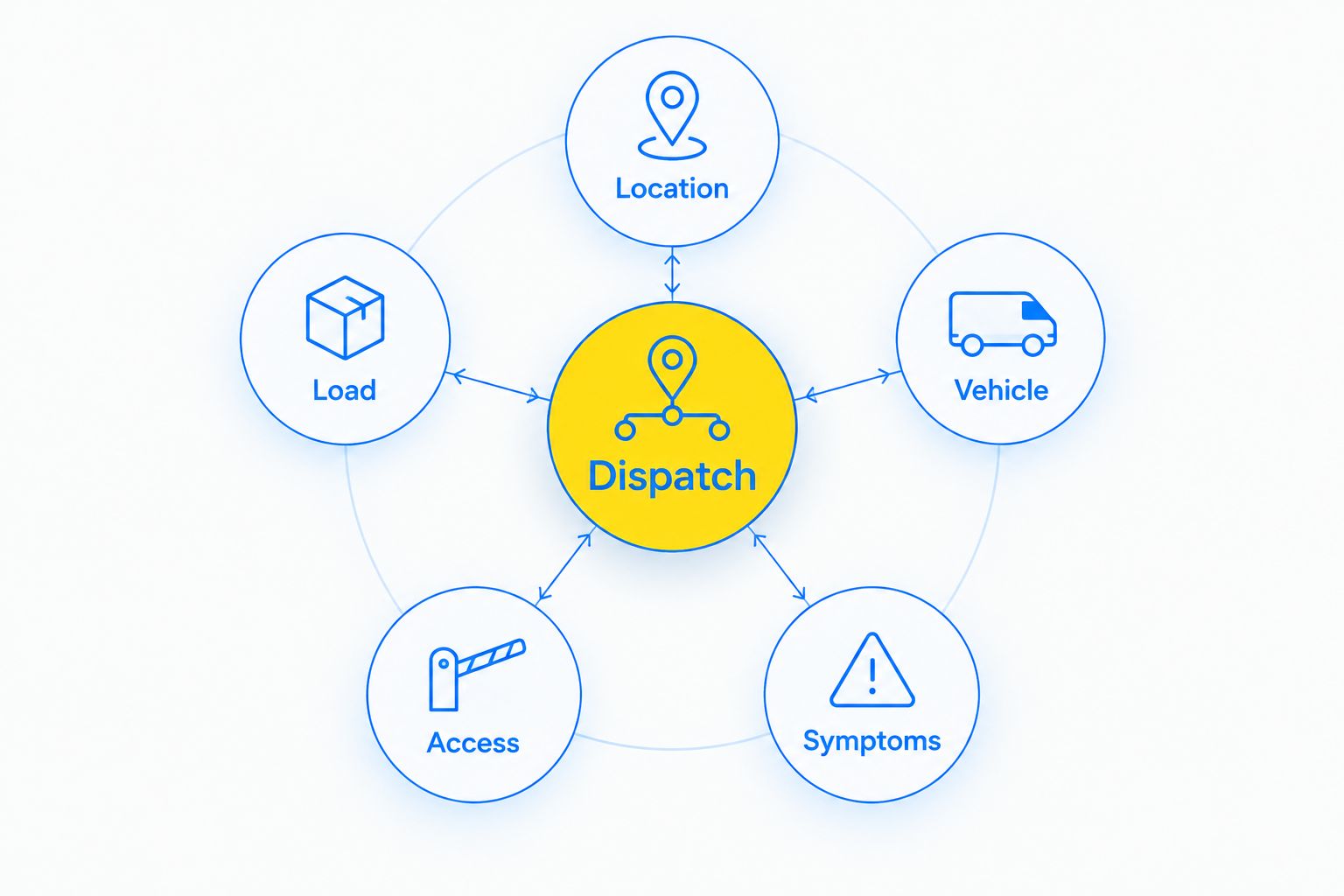
Build your initial message around 3 details: location, vehicle, and symptoms. Then add access restrictions and anything attached to or carried by the vehicle. A dispatcher needs a useful description, not a roadside diagnosis from a stressed technician.
For your 2026 driver instructions, save a reusable message template in the same place as the emergency contact. Have the driver complete it while parked safely. Keep sensitive customer information out of that message.
- Location: Share the map pin, road name, direction, and nearby landmark.
- Vehicle: Give the make, model, unit identifier, and body style.
- Symptoms: State what happened and whether the engine starts.
- Access: Note gates, overhead clearance, slopes, or tight parking.
- Load: Describe racks, tools, cargo, and any attached trailer.
3. Match the roadside service to the actual problem
Check what you can confirm safely: the fuel type, whether the keys are inside, and whether a usable spare is present. Do not keep trying a vehicle that shows signs of a serious fault. Tell the dispatcher what you observed and let the provider confirm the appropriate service.
Atlroadside provides roadside assistance across the Atlanta metro, including fuel delivery, jump starts, lockout service, tire changes, towing, and heavy-duty towing and recovery. Service is available 24/7. That gives your fleet a direct contact for these breakdown needs, but it does not establish that every fault is repairable at the roadside.
Choose the service by the symptom, then confirm suitability for the vehicle. A jump start addresses a starting problem; it does not prove the charging system is healthy. A tire-change request needs a conversation about the spare and the working location.
- Fuel delivery: Confirm gasoline or diesel before requesting delivery.
- Jump start: Report clicking, dim lights, or other starting symptoms without guessing the cause.
- Lockout: Explain where the keys are and whether anyone is trapped inside.
- Tire change: State whether a spare is present and describe visible damage.
- Towing or recovery: Describe the vehicle, load, position, and destination request.
4. Separate customer coverage from vehicle recovery
Open your schedule manually and identify the appointments assigned to the disabled truck. Decide which calls need another technician, which can move, and which require a customer update. Do not promise an arrival based on an unconfirmed roadside estimate.
Appoint one person to communicate with the roadside provider. A second person can handle customer calls if staffing allows. This keeps the stranded technician from juggling dispatch, customers, and several managers at once.
Moving tools to another vehicle is a separate decision. Only transfer equipment where the surroundings are safe, and keep a record of what leaves the truck. Never ask a technician to unload beside moving traffic just to protect an appointment.
- Name the person responsible for roadside communication.
- Reassign urgent appointments using the actual technician schedule.
- Update customers without promising an unconfirmed recovery time.
- Record any tools or parts transferred to another vehicle.
- Keep the driver’s phone available for the service provider.
Request help for your fleet vehicle
Tell dispatch your location, vehicle type, symptoms, and whether you need fuel, a jump, or towing.
5. Confirm towing details before authorizing the move
Start with your vehicle file and the manufacturer’s towing instructions. Identify the drivetrain, modifications, attached trailer, and any restrictions you know. Do not ask the technician to guess the vehicle’s loaded weight or clearance.
Atlroadside has heavy-duty towing and recovery capability. Still, dispatch must assess the specific vehicle and situation before the move. A loaded service truck, a disabled van, and a vehicle stuck off the pavement need different information.
Tell the provider about refrigerant cylinders, fuel containers, or other regulated materials if carried. Follow your company’s handling procedures and any applicable requirements. Confirm the receiving location can accept the vehicle before sending it there.
- Identify the vehicle and describe its load and modifications.
- Disclose roof racks, trailers, and clearance restrictions.
- Report whether the wheels roll and whether the vehicle steers.
- Explain soft ground, a ditch, collision damage, or blocked access.
- Confirm the destination, authorization, and key handoff.
6. Close the incident before returning the vehicle to work
Use a shared note or paper form first. Record what failed, what roadside service was performed, and what still needs inspection. A running engine is not, by itself, a return-to-service decision.
Keep your 2026 breakdown log tied to the vehicle identifier. Review repeat starting problems, repeat tire issues, and fuel-related stops with whoever handles maintenance. Record observations rather than turning an unconfirmed symptom into a diagnosis.
For a fleet vehicle carrying valuable tools, finish with a quick inventory and a destination check. Confirm who has the keys and whether the vehicle is at the shop, yard, or another approved location. Close the customer update separately.
- Record the reported fault and the service performed.
- Flag unresolved symptoms for maintenance review.
- Confirm the vehicle’s location and who holds the keys.
- Check transferred tools and equipment against the incident note.
- Have the authorized person approve return to service.
Compare roadside options for your fleet
Choose by the breakdown, vehicle fit, and dispatch process—not the label on a plan. For a 2026 fleet review, compare existing coverage with direct service and your internal backup arrangements. Confirm commercial use and vehicle eligibility in the actual terms rather than assuming a personal vehicle benefit applies.
| Option | Best for | Main advantage | Key limitation |
|---|---|---|---|
| Atlroadside roadside assistance | Atlanta fleets needing direct 24/7 breakdown help | Fuel delivery, jump starts, lockouts, tire changes, towing, and heavy-duty recovery | Confirm the specific vehicle, access, and required service with dispatch; roadside repair is not assured |
| Existing insurance or roadside benefit | Fleets checking benefits already attached to a vehicle or policy | An established route for requesting covered assistance | Commercial eligibility, authorization, and service limits depend on the actual terms |
| Internal spare vehicle and reassignment | Keeping customer appointments covered | Separates customer service from the disabled truck | Does not recover or repair the stranded vehicle |
| Repair shop coordination | Vehicles needing diagnosis or repairs beyond roadside support | Gives the disabled vehicle a planned destination | Shop acceptance and vehicle transport still need coordination |
These options can work together. You can reassign a customer appointment while arranging roadside help, then send the disabled vehicle to an approved shop. Avoid duplicate dispatch requests: confirm who is sending help and cancel any competing request through the proper channel.
Common mistakes HVAC and plumbing fleets make
Describing a loaded service truck as just a van
That leaves out the details dispatch needs. Report racks, tools, trailers, access restrictions, and the vehicle’s condition. Describe the working vehicle, not just the model name.
Treating every no-start as a dead battery
Clicking or a no-start condition is an observation, not a confirmed diagnosis. Request help with the symptoms and report warning lights or unusual smells. Arrange further inspection when the problem remains unresolved.
Moving tools before checking the surroundings
Protecting the next service call does not justify unloading beside traffic. Wait for a safe location or instructions from responders. Track any equipment you move so the replacement technician has what the job requires.
Promising customers the truck will be back shortly
A service request is not a confirmed return-to-work time. Update the customer based on reassignment or a verified recovery plan. Keep the roadside estimate separate from the appointment promise.
Saving the emergency process only in the office
The stranded driver needs the instructions on a phone or in the vehicle. Test access during your 2026 fleet review. Include the authorization contact and the basic vehicle information—not just a provider’s name.
FAQ
What should an HVAC or plumbing technician do first after a breakdown?
Protect yourself from traffic and report any immediate danger before troubleshooting. When safely stopped, send your location, vehicle description, and symptoms to roadside dispatch and notify your fleet contact.
Is roadside assistance available overnight for Atlanta service fleets?
Atlroadside roadside assistance is available 24/7 across the Atlanta metro. Describe the vehicle and problem so dispatch can confirm the appropriate service; do not assume an exact arrival time.
Can roadside assistance deliver diesel to a plumbing or HVAC truck?
Yes, emergency diesel delivery is among the services described for commercial vehicles. Confirm the vehicle uses diesel and provide its exact location before delivery is arranged.
Does a loaded service van need heavy-duty towing?
The vehicle and its condition determine the towing requirement, not the trade using it. Give dispatch the vehicle details, load information, modifications, and access restrictions so the provider can assess the move.
Can a roadside jump start put my technician straight back to work?
A successful jump start does not confirm that the vehicle is ready for work. Report continuing warning lights or symptoms and follow your fleet’s maintenance and return-to-service process.
Can I use personal roadside coverage for a commercial service truck?
Check the actual coverage terms before relying on personal roadside benefits for commercial use. Confirm vehicle eligibility, covered services, and authorization requirements with the benefit provider.
What should I send when requesting fleet roadside help?
Send your location, vehicle details, and symptoms first. Add the direction of travel, access restrictions, attached trailer, and relevant load information so dispatch understands the actual situation.
One last thing
Keep two destinations in your breakdown plan: where the vehicle goes and where the customer’s job goes. They are rarely the same decision. Before ending the dispatch call, confirm the vehicle plan; before closing the incident, confirm that someone owns the customer update.